Dashmetry

Loading Dashmetry...
Connecting to 1games.io
About Dashmetry
Time jumps, adapt to changing icon forms and learn obstacle patterns in the rhythm platformer now called Challenge Rush.
Your icon moves forward automatically. Time the action input to clear hazards, then adapt when a portal changes how the icon moves. A collision in Normal Mode restarts the level.
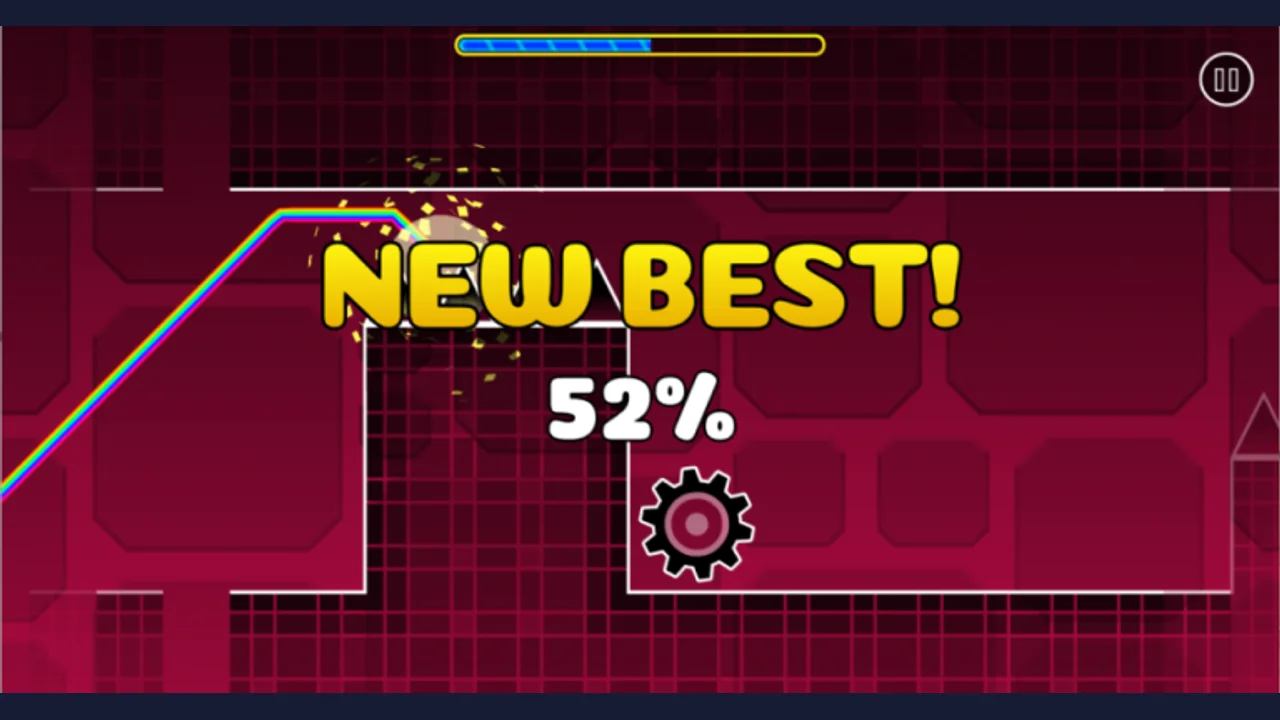
Use Practice Mode checkpoints to rehearse a difficult passage before attempting the whole course. The current game also includes a level editor and community-created levels.
About the game
Dashmetry is a browser rhythm platformer by 1Games.IO, now named Challenge Rush. The former official dashmetry.com site announces the move to challengerush.com. This guide keeps the familiar Dashmetry name and loads the dedicated 1Games.IO player when you choose Play here.
Made by 1Games.IO.
How to play
Choose Play here to load the 1Games.IO player inside this page, then choose Play in the player if prompted. Click the game area before using Space or Up arrow. Follow the current in-game prompts when switching forms or using a touch screen.
| Left mouse button / Space / Up arrow | Use the action input for the current icon |
|---|---|
| Cube | Tap to jump |
| Ship | Hold to rise; release to fall |
| Robot | Hold longer for a higher jump |
Why Dashmetry opens as Challenge Rush
The old official site identifies Challenge Rush as the new home of Dashmetry and says levels, scores and the leaderboard moved with the game. Seeing the newer title after following this guide is expected. Use the official destination rather than looking for a download of the older name.
Practice the approach as well as the obstacle
Choose a level you can read comfortably and identify one passage that ends your attempts. In Practice Mode, place a checkpoint far enough before it to include the approach. Starting immediately beside a spike may help with one jump while hiding the timing you need to reach it during a full run.
Keep your input method consistent for several attempts. Watch where you press relative to a visible edge, then adjust that point slightly. Once the passage feels repeatable, move the checkpoint farther back and connect it to the preceding sequence. These are practice suggestions, not a promise of completing a particular difficulty.
Reset your input after a portal
A cube jump and a ship ascent use the same action input differently. Read the form change before deciding whether to tap, hold or release. Music can help you remember a pattern, but keep watching the geometry: a remembered beat alone does not tell you whether your current path is safe.
| Where the attempt fails | Next practice goal |
|---|---|
| The same cube jump ends early or late | Use a visible takeoff reference and change the press point slightly. |
| The ship climbs into the ceiling | Release sooner and watch the space above the next obstacle. |
| A portal transition causes an immediate crash | Rehearse the approach and the first movement in the new form together. |
| A practiced section fails during a full run | Move the checkpoint back to include the preceding sequence. |
Questions about Dashmetry
Is Dashmetry now called Challenge Rush?
Yes. The former official Dashmetry site announces the new Challenge Rush name and sends players to challengerush.com. This page keeps the Dashmetry name so existing players can find the current game.
Can I play Dashmetry on OttersPlay?
Yes. Choose Play here to load the 1Games.IO player inside this page. If the player shows another Play button, choose it to start loading the game. The current game displays the Challenge Rush name.
What are the Dashmetry controls?
The publisher lists left mouse button, Space and Up arrow as action inputs. Their effect depends on the icon: tap for a cube jump, or hold and release to control ship height.
How does Practice Mode help?
Checkpoints let you repeat a difficult passage without restarting the entire level. Practice the approach and exit together, then return to Normal Mode for a continuous run.
Does Dashmetry support mobile browsers?
The publisher lists desktop, tablet and mobile browsers. Follow the current player prompts for touch input; responsiveness depends on your device and browser.
Tips for Dashmetry
- Use one input method while learning a passage.
- Look ahead for portals and the next safe gap.
- Include the approach when placing practice checkpoints.
Sources: dashmetry.com, challengerush.com, 1games.io, 1games.io. Last checked .