Shell Shockers
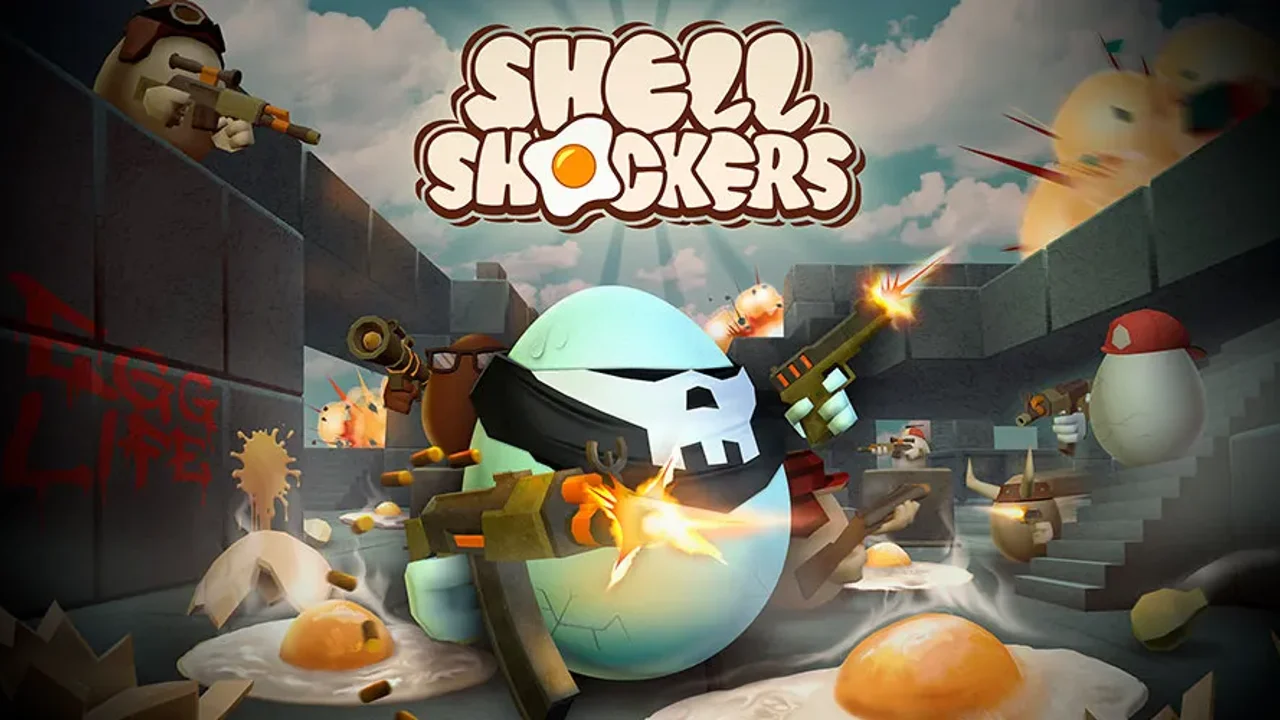
Shell Shockers
Play on shellshock.io ↗Desktop keyboard and mouse recommended; opens shellshock.io. Opens on shellshock.io in a new tab. Check the setup notes below before starting.
About Shell Shockers
Enter an online arena as an armed egg. Aim, reload behind cover and work toward the objective in your chosen match mode.
Choose a weapon and match mode, then learn the map while keeping cover nearby. Team matches and free-for-all have different priorities, so read the selected objective rather than treating every encounter the same way.
About the game
Shell Shockers is Blue Wizard Digital's multiplayer browser FPS starring armed eggs. The official shellshock.io site hosts the game and its servers; OttersPlay provides a preparation guide and an external launch.
Made by Blue Wizard Digital.
How to play
Open shellshock.io on a desktop browser and click into the game for mouse aiming. Choose a server and allow the live match to connect; use the current settings menu if you have changed key bindings.
| WASD / Mouse | Move / aim |
|---|---|
| Left mouse / R | Shoot / reload |
| Space / Shift | Jump / aim zoom |
| E / Q | Change weapon / throw grenade |
Make the first match a map-reading exercise
A useful first-session goal is to recognize one protected route between two areas. Travel it while watching where the view opens onto several angles. When an encounter goes badly, ask whether you exposed yourself to a second direction while concentrating on the first.
Keep one weapon for a few attempts so you have a consistent reference. Try adjusting where you stand before changing sensitivity or loadout. Change one thing at a time: it is easier to judge a new route when the aiming setup stays familiar.
Build a reload habit you can repeat
- Before reloading, look for somewhere that interrupts an opponent's view.
- After returning to a fight, check the objective and your surroundings before aiming down the same lane.
- If mouse aiming stops responding, use Escape and click back into the game before changing browser settings.
Questions about Shell Shockers
Which device should I use?
This guide targets the desktop browser game with keyboard movement and mouse aiming.
Where does the launch button go?
It opens the official shellshock.io site in a new tab, where the game connects to its own servers.
Sources: shellshock.io, crazygames.com. Last checked .