OpenFront
OpenFront
Play on openfront.io ↗Opens on openfront.io in a new tab. Check the setup notes below before starting.
About OpenFront
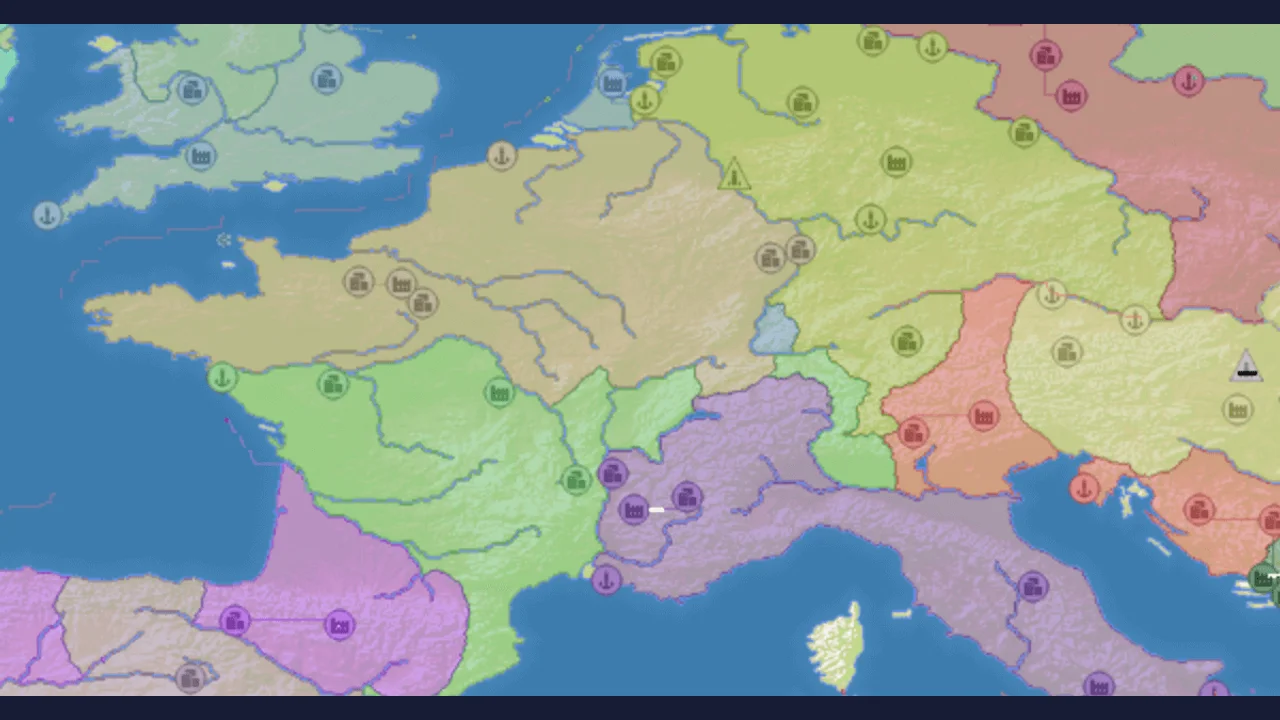
Expand across a shared map in a real-time territory strategy game. Manage your borders, economy and attacks while other players compete for land.
Start with the tutorial or a solo game to learn spawning, expansion and building. Pick a position where you can grow without immediately exposing every border.
Watch nearby opponents as you develop your economy. Committing too much to one attack can leave another border vulnerable, so review the map before each major move.
About the game
OpenFront is an open-source territory strategy game with multiplayer matches and solo options. Expansion, economic growth and military pressure compete for your attention. Use the game tutorial and current official wiki to learn the rules of the version you are playing.
How to play
Open openfront.io directly and complete any browser verification. Start with its tutorial or solo mode; check the current input settings before using advice written for a different release.
| Mouse / In-game menus | Select territory and issue actions |
|---|---|
| Tutorial / Settings | Review current controls and action bindings |
Before the first attack: find your own territory
The upstream game tutorial uses a pulsing ring to mark your territory. Find that starting position before issuing more actions, then look at the unclaimed land immediately beside it. Expanding there is a different decision from attacking a neighboring nation.
If the match is still in its spawn phase, wait for play to begin rather than assuming another click will launch an attack. Learn this first expansion in a solo session so you can connect the input with the border change on the map.
Troops, attack ratio and gold are different decisions
| Interface concept | What to understand before acting |
|---|---|
| Troop count | Attacks commit troops. Leave time for the count to recover instead of sending repeated attacks without checking what remains. |
| Attack ratio | This slider controls how many troops an attack sends. Changing it affects the commitment of the next action, not a separate stockpile. |
| Gold | Gold pays for structures. The tutorial distinguishes earning enough for a City from placing that City; having an army and affording a building are not the same thing. |
What cities, coastlines and alliances change
These are a first-match checklist based on the current official tutorial text, not a complete winning build order. The live release, game options and input settings can differ. Use the prompts in your loaded match for the exact click or touch action.
- A City increases the maximum troop count in the current upstream tutorial. Do not confuse raising that limit with instantly filling the army.
- Coast access makes water movement relevant: boats carry troops across water, while Ports support trade and naval activity. Inspect the coast before choosing a sea route.
- An alliance changes which neighbor can attack you. The tutorial also warns that breaking one has consequences, so read the current terms rather than treating it as a free temporary button.
Questions about OpenFront
Should a beginner start in multiplayer?
The tutorial or a solo match is a useful way to learn the interface before dealing with opponents who can act at the same time.
What attack percentage should I always use?
There is no universal value established by this guide. Read the current slider behavior and consider the reserves and borders left after the move.
Why does OpenFront open on its own site?
The selected host is launched in a separate tab because its restrictions prevent the OttersPlay player from embedding it. Automated access may also encounter browser verification.
Tips for OpenFront
- Learn expansion in a solo game before joining a crowded lobby.
- Leave enough resources to respond if another player attacks.
Sources: openfront.io, wiki.openfront.io, openfront.dev, github.com, github.com. Last checked .