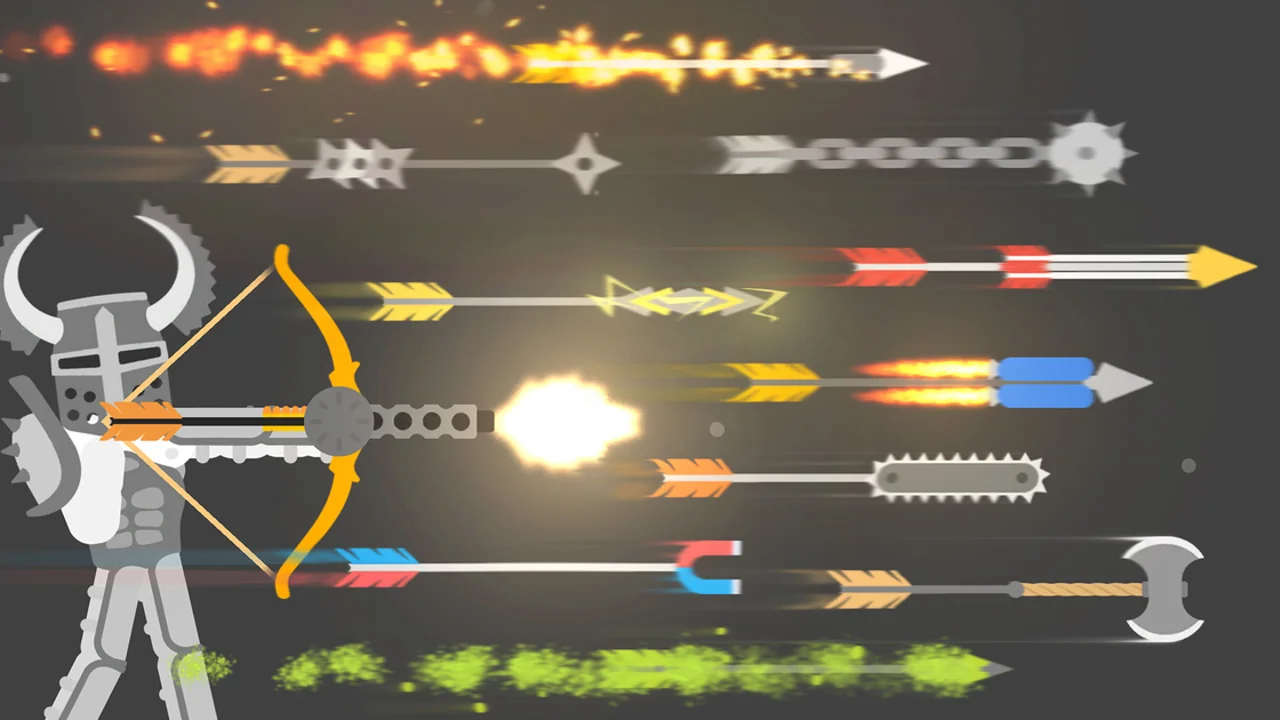
Wacky Flip
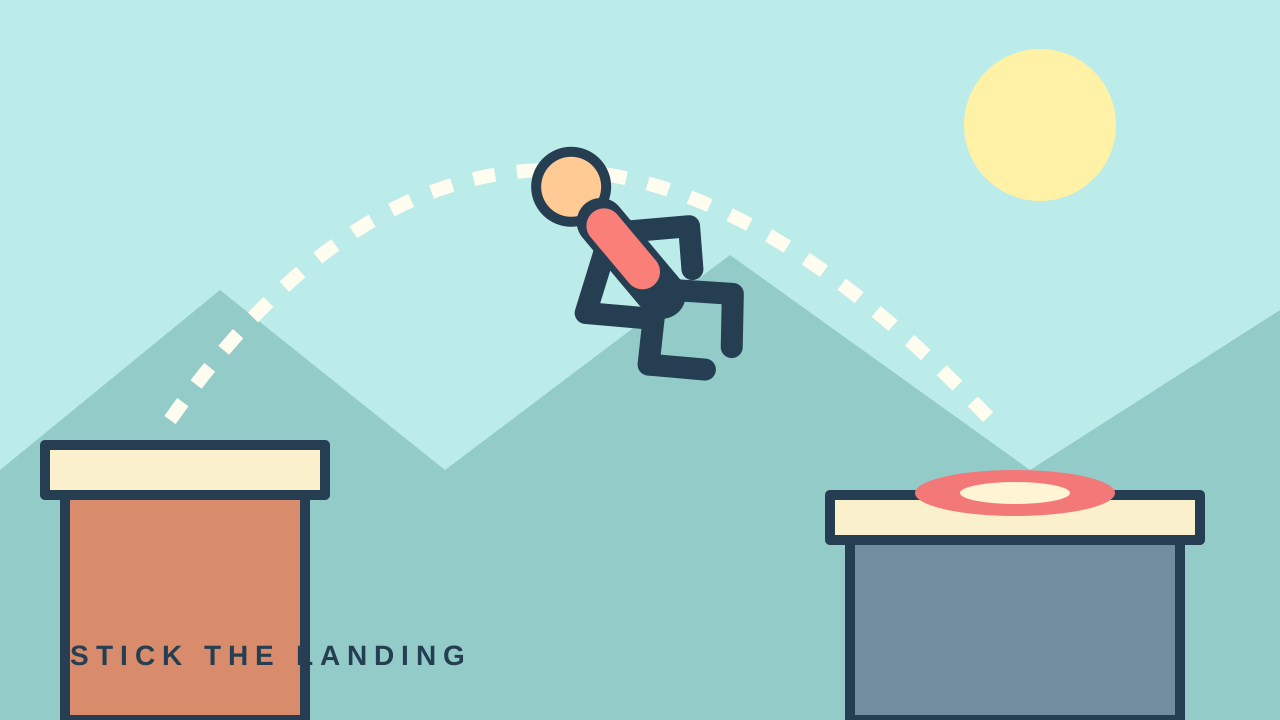
Wacky Flip
Loads the AZ Games publisher player. Mouse or touch controls. Runs on game.azgame.io.

Loading Wacky Flip...
Connecting to game.azgame.io
About Wacky Flip
Launch a physics-driven athlete, control the rotation and release at the right moment to stick a landing inside the target.
Build the jump, launch, control the flip and prepare to land inside the marked area. Start with a controlled landing, then try adding rotation once you understand the timing.
About the game
Wacky Flip is a physics-based flipping challenge published by AZ Games. OttersPlay loads the embed address supplied on its publisher page; the game remains hosted by the publisher.
Made by AZ Games.
How to play
Choose Play here and allow the publisher player to load, then follow the game's tutorial. A mouse or touch screen is supported. Use Open in new tab if your browser blocks the third-party player.
| Hold mouse / Touch | Crouch and build the jump |
|---|---|
| Release | Launch |
| Hold while airborne | Rotate |
| Release before landing | Prepare the landing |
Practice the landing before adding another flip
Watch the landing target before you start the jump. Think of the attempt as three decisions: how much launch to build, how long to rotate and when to release. If you change all three after every miss, it becomes difficult to tell which adjustment helped.
Begin with the smallest rotation that gives you a useful view of the landing. Repeat a similar launch and vary the release slightly. Once the athlete arrives upright more consistently, try extending the rotation. A successful simple landing gives you a better reference than a spectacular attempt that misses the target. These are practice suggestions, not a completed-level walkthrough.
Diagnose one part of the attempt at a time
After a miss, pause long enough to name the part you want to improve. Keep the same input device during practice so switching between touch and mouse does not add another variable. Read any new level instructions before reusing the timing that worked on a previous obstacle.
| What you see | Adjustment to test |
|---|---|
| You pass through an upright position too early | Try a shorter rotation hold on the next attempt. |
| You reach the target while still turning | Release earlier and watch the change in landing posture. |
| Your landings vary widely | Repeat a similar launch before changing the flip timing. |
Questions about Wacky Flip
Can I play Wacky Flip on this page?
Yes. Choose Play here to load the publisher player. You can also open the player in a new tab.
What controls does Wacky Flip use?
Hold and release to build and launch the jump, then hold in the air to rotate and release to prepare the landing. Follow the tutorial for the current obstacle.
Why do I keep missing the landing?
Try keeping the launch similar while changing only the rotation release. Watch whether the athlete reaches the target upright before attempting extra flips.
Tips for Wacky Flip
- Read the target before launching.
- Change one timing decision per attempt.
- Build a repeatable landing before extending the combo.
Sources: azgames.io, game.azgame.io. Last checked .