Drive Mad

Loading Drive Mad...
Connecting to drivemad.fancade.com
About Drive Mad
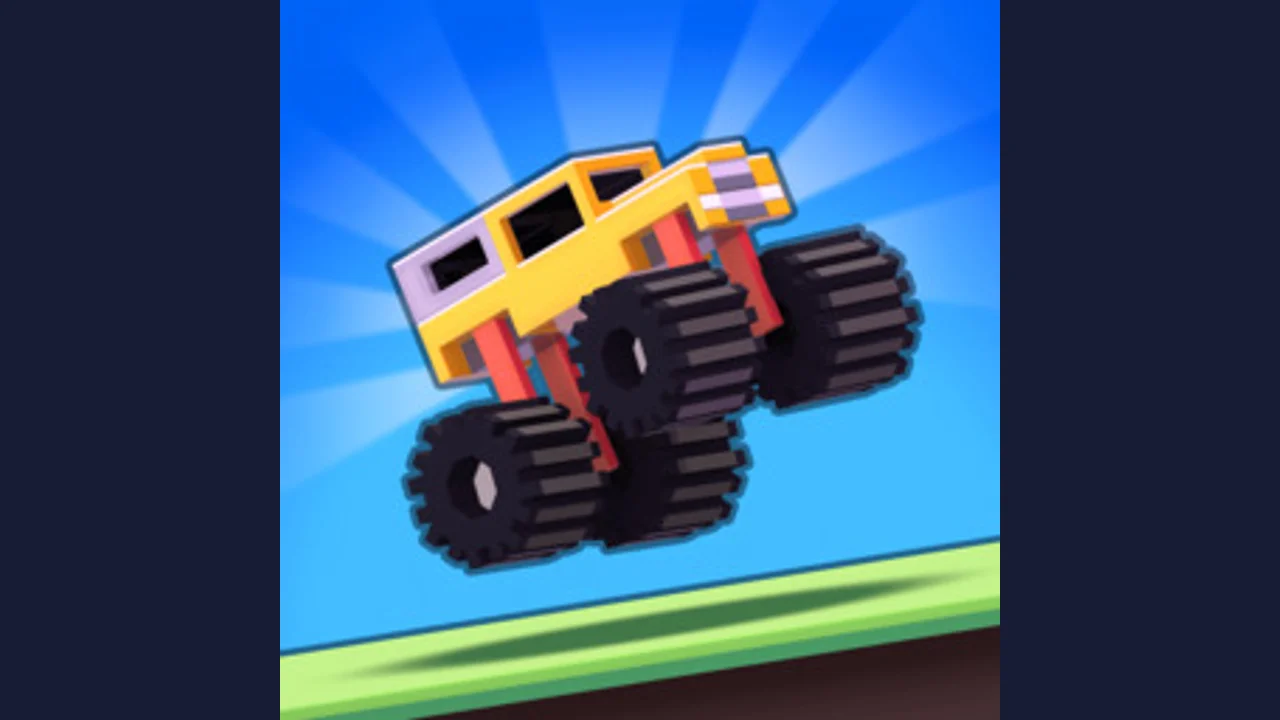
Drive unusual vehicles across unstable bridges and obstacle courses. Balance acceleration and reverse to reach the finish without flipping.
Accelerate carefully onto each obstacle and watch how the wheels and body react. Too much speed can tip the vehicle before you reach stable ground.
Use reverse to recover balance or set up a second approach. Treat each short course as a physics problem: the right approach can matter more than raw speed.
About the game
Martin Magni created Drive Mad for Fancade. Instead of steering around a circuit, you manage a vehicle on dangerous terrain using forward and backward movement. The unusual vehicles and obstacles make controlling momentum the central puzzle.
How to play
Choose Play here and complete any start or privacy prompt in the Fancade player. Forward and reverse are the main controls; the game is not a conventional left-and-right steering race.
| W / D / X / Up / Right | Drive forward |
|---|---|
| S / A / Z / Down / Left | Reverse |
| Touch controls | Use the player buttons on supported devices |
A failed obstacle is a diagnosis, not just a restart
| What stops the vehicle | A useful next attempt |
|---|---|
| The front rises too far on a climb | Reduce the length of the acceleration input before the steepest point. |
| The vehicle reaches a gap without enough momentum | Build speed on the stable approach instead of accelerating only at the edge. |
| The vehicle bounces or tips on an unstable crossing | Try shorter inputs and watch how the crossing reacts before committing. |
| A hard landing overturns the vehicle | Change the takeoff speed and landing angle, not just the moment you press Retry. |
Use reverse as part of the solution
A setback does not always mean the same approach needs more speed. Reverse can give you space for another run-up or help reposition a vehicle that is still upright. Look at where the finish lies and how the obstacle moves before deciding that forward acceleration is the only possible answer.
The official Drive Mad site lists several keys for each action. Pick one forward key and one reverse key, then use them consistently. A compact control scheme frees your attention to watch the wheels, the vehicle body and the next contact point.
Check the edition before following a numbered walkthrough
Drive Mad also has Fancade variations and releases with different level arrangements. Match the vehicle and obstacle shown in a guide to your screen before using its level number. This page gives physics troubleshooting, not a claimed solution to every numbered course.
Questions about Drive Mad
Which keys drive forward and reverse?
The official site lists W, D, X, Up or Right to drive; S, A, Z, Down or Left to reverse. Touch players use the controls shown by the loaded player.
Why does holding accelerate make some obstacles harder?
Acceleration changes momentum and the vehicle angle. A long hold that clears a ramp may destabilize a bridge or tip the nose on a climb.
Can I steer around an obstacle?
The main challenge uses forward and reverse movement. Solve the crossing through speed, position and balance rather than expecting conventional steering.
Tips for Drive Mad
- Release the accelerator when the front wheels rise too far.
- Try a slower approach before repeating a failed jump at full speed.
Sources: drivemad.fancade.com, drivemad.com, poki.com. Last checked .