Cookie Clicker
Cookie Clicker
Play on orteil.dashnet.org ↗Opens the official Orteil / DashNet browser edition. Opens on orteil.dashnet.org in a new tab. Check the setup notes below before starting.
About Cookie Clicker
Start with a single cookie, build automated production and decide when to spend your growing supply on buildings and upgrades.
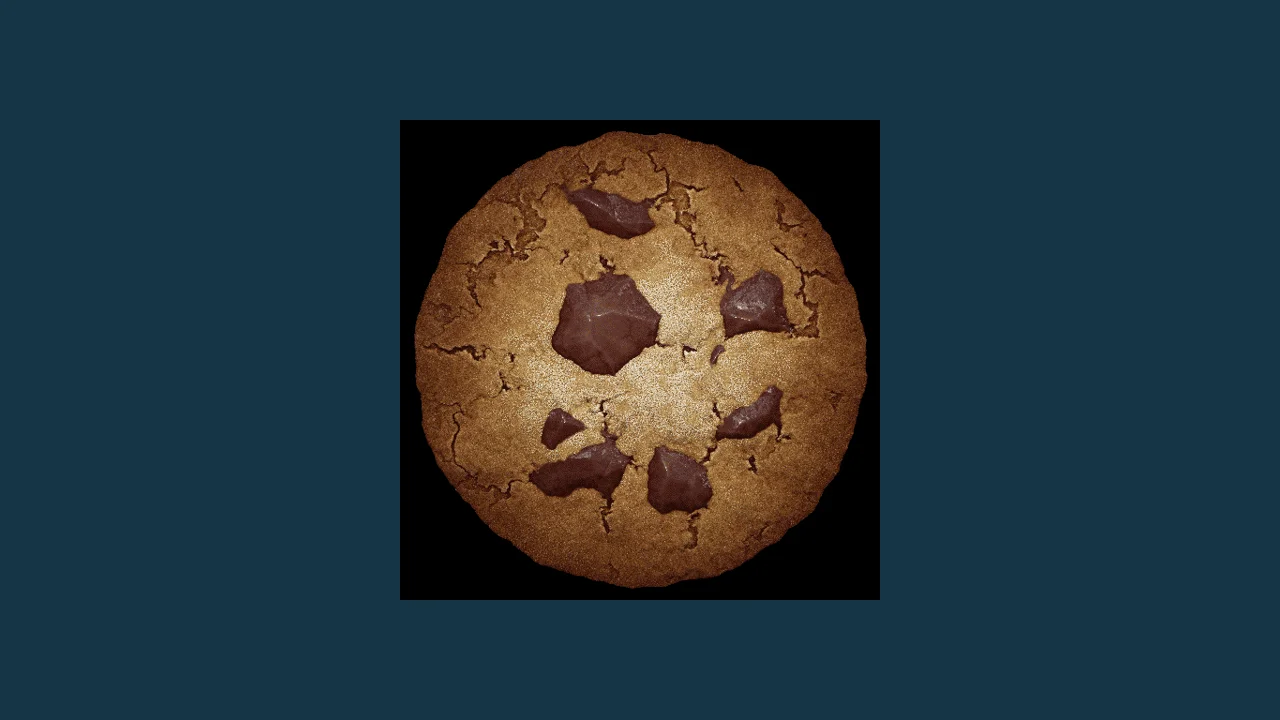
Click the large cookie to begin producing cookies, then use the store to buy production. Inspect the effect of a purchase before deciding whether to keep saving or buy an available upgrade.
About the game
Cookie Clicker is Orteil's incremental game hosted on DashNet. This entry launches the official browser edition directly. The official page also distinguishes its live, beta and classic versions and links separate app releases.
Made by Orteil.
How to play
Open the live Cookie Clicker edition at orteil.dashnet.org/cookieclicker/ with JavaScript enabled. Keep using the same browser profile for local progress and review the game's save-export options before changing devices.
| Mouse / Touch | Click the cookie and interact with the store |
|---|---|
| Options menu | Review save and export options in the loaded edition |
Compare purchases with a simple payback estimate
As an editorial planning exercise, divide the displayed purchase price by the extra cookies per second you expect it to add. If a purchase costs 100 cookies and adds 2 per second, the simple payback estimate is 50 seconds. Use your actual current values, not those example numbers.
This estimate is a comparison tool, not a complete model of every bonus or later system. Compare two available purchases using the same assumptions, then check the production display after buying. If the result differs from your estimate, read the item description and update your calculation.
Give each short session a stopping point
Before starting, choose a small goal such as checking one purchase or recording a production change. A clear stopping point helps you distinguish active experimentation from leaving the tab open without a decision to make.
Keep a dated backup when you use the game's save-export feature, especially before switching browser profiles or clearing site data. Label the file with the edition you used. An export is useful only if you can find it again and know which progress it belongs to.
Questions about Cookie Clicker
Is this the official browser version?
The launch points directly to Orteil's live Cookie Clicker page on DashNet.
Why keep a save export?
A dated export gives you a backup to keep separately before changing browser profiles or clearing local site data. Review the loaded game's options for the current procedure.
Sources: orteil.dashnet.org. Last checked .