Snow Rider 3D
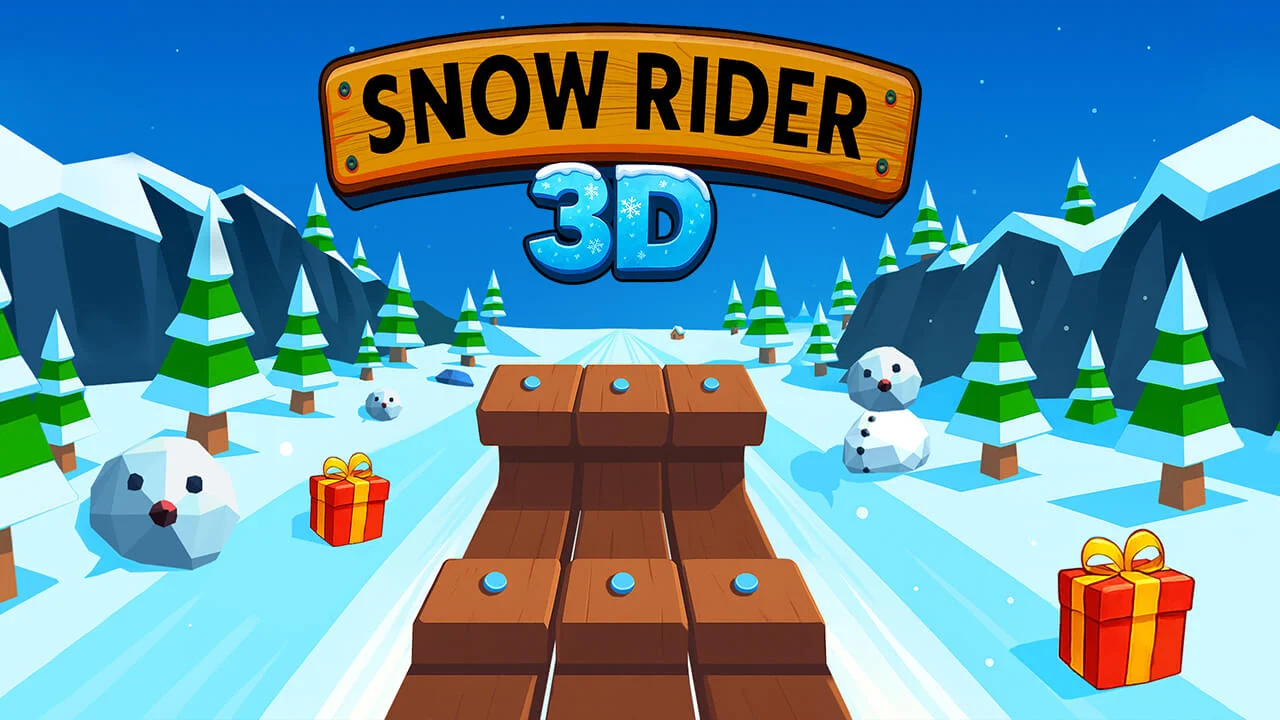
Snow Rider 3D
Play on snowrider3d.top ↗Play on snowrider3d.top. Opens on snowrider3d.top in a new tab. Check the setup notes below before starting.
About Snow Rider 3D
Steer a sled down a snowy mountain, dodge trees and rocks, jump obstacles, and collect gifts for your next run.
Start a run and look ahead for gaps between trees, rocks and snow obstacles. Small steering corrections are easier to control than holding a direction for too long.
Collect gifts when the route is safe and use the game menu to choose a sled. Jump to clear obstacles instead of steering into a crowded edge of the course.
About the game
The snowrider3d.top page loads Snow Rider 3D through the Miniplay player. It is an independent game page rather than the original developer. OttersPlay links to that page so you can use its play, reload and fullscreen controls.
How to play
On the selected Snow Rider page, choose Play and wait for the Miniplay player. Click inside the game before using the steering or jump keys; on a phone, try landscape orientation.
| Left / Right or A / D | Steer the sled |
|---|---|
| Up or W | Jump |
Gifts or distance: decide before the next obstacle
Treat a gift as a route choice, not an instruction to turn. Before moving toward it, check the approach, the obstacle beside it and the space you will have afterward. A pickup with clear snow on both sides is a different decision from one that pulls the sled toward a tree.
For a distance attempt, stay on the open line and accept missing a gift. For a collection attempt, choose pickups that need only one small correction. This gives each run a clear purpose and makes a crash easier to learn from.
Plan the landing before pressing jump
- Choose the landing gap before takeoff; jumping does not make a blocked route safe.
- If you can steer around an obstacle without crossing another hazard, compare that route with the jump.
- After landing, settle the sled before chasing a second pickup. Multiple hurried corrections can create the next collision.
Questions about Snow Rider 3D
What are gifts used for in Snow Rider 3D?
Gifts are collected during runs and used through the sled selection menu. Check that menu for the choices and prices in the loaded version.
Which key makes the sled jump?
The selected page lists Up Arrow or W for jumping, with Left/Right or A/D for steering. Click the game first if the keys are moving the page instead.
Does a different sled guarantee a faster run?
The selected page does not establish a handling or speed advantage for each sled. Choose a sled you can see clearly, and avoid assuming a more expensive option fixes poor route choices.
Tips for Snow Rider 3D
- Watch the next gap instead of the gift directly in front of you.
- Give yourself room to land after a jump.
Sources: snowrider3d.top. Last checked .