Spacebar Counter

Loading Spacebar Counter...
Connecting to spacebarcounter.xyz
About Spacebar Counter
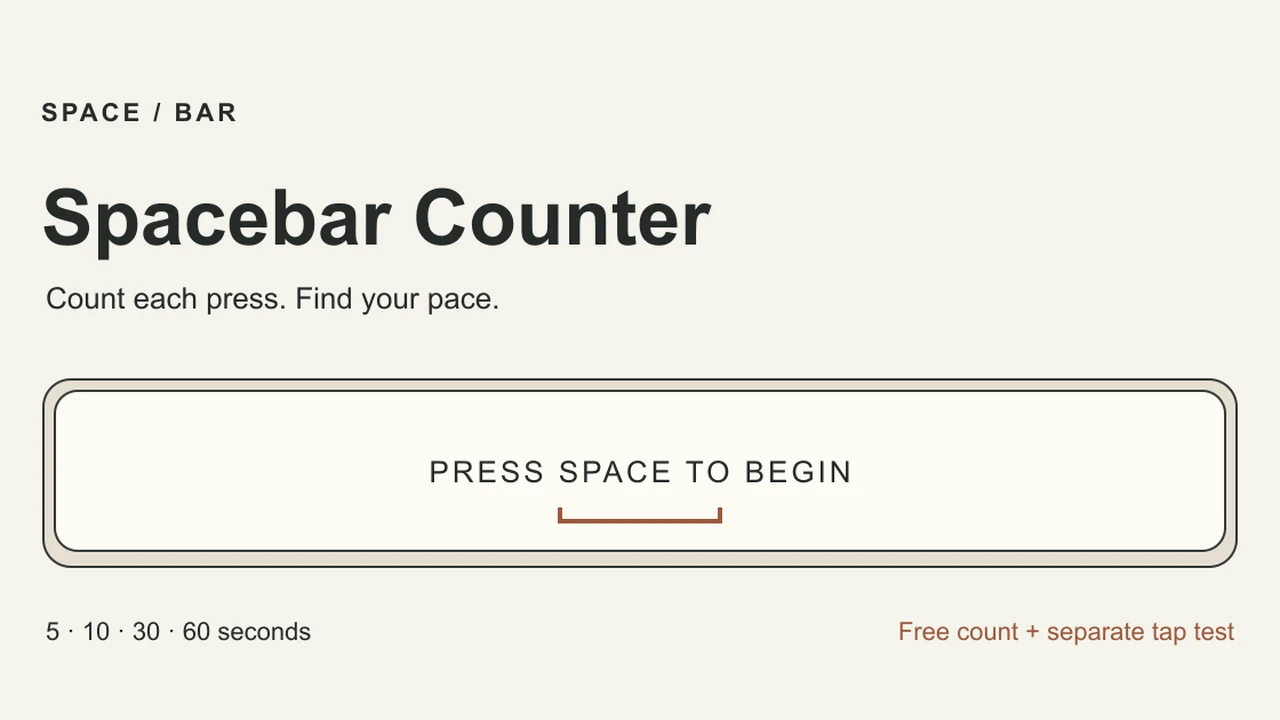
Practice distinct spacebar presses over a timed round, or switch to a separately labeled tap-and-click test.
Spacebar Counter turns one repeated action into a short personal challenge. Choose a duration of 5, 10, 30 or 60 seconds, or use Free count. Focus the large key before pressing Space. The first accepted press starts the timer. Repeated keydown events from holding a key are ignored, so you need to release between distinct presses.
Timed results divide the accepted press count by the full selected duration. Free count uses elapsed time instead. Use the same device, duration and input mode when comparing attempts: a five-second sprint and a one-minute endurance run measure different things. Leaving the page, switching tabs or moving focus away from the large key cancels an active test rather than continuing to accumulate an unattended score.
Tap / click mode is a separate option for touchscreen or mouse use. Its results are labeled separately from keyboard Spacebar rounds, and it does not claim to measure physical spacebar speed. A phone needs a physical keyboard for a keyboard test. The full site can keep up to twelve completed rounds in local browser history; Free count is not saved. This is a practice tool, not a certified competition result or an anti-automation system.
About the game
This GameHubs utility uses an original local HTML, CSS, JavaScript and SVG implementation. It provides a transparent input counter rather than a claim to own a game franchise. Keeping keyboard and tap histories separate is part of the published scoring behavior.
Made by GameHubs.
How to play
A modern browser with JavaScript enabled. Use the new-tab option for the full site and its browser-local records.
| Choose a duration | Select a timed sprint or Free count |
|---|---|
| Click / Tab to the large key | Focus the test before keyboard input |
| Press and release Space | Count one distinct keyboard press |
| Tap / click mode | Run a separately labeled button-activation test |
Quick facts
- 5, 10, 30 and 60-second timed modes
- Held-key auto-repeat is ignored
- Tap/click scores are separate from Spacebar scores
- Up to twelve completed local rounds; Free count is not saved
Questions about Spacebar Counter
Why does holding Space only count once?
The counter rejects operating-system key repeat. Release the key before each new press.
Can I compare a phone tap result with a keyboard result?
Treat them separately. Tap / click mode measures button activations, while Spacebar mode uses distinct keyboard Space events.
Why did my round stop when I switched tabs?
Leaving the test, changing tabs or moving focus away cancels an active round. Stay focused until the selected duration ends.
Is my score verified against cheating?
No. This is a personal practice tool. It does not certify physical input or detect every form of automation.
Tips for Spacebar Counter
- Focus the key before starting so browser scrolling does not consume Space.
- Compare rounds with the same duration and input mode.
- Use Free count to warm up, then choose a timed round for saved comparisons.
This game site is maintained by GameHubs, under the same ownership as OttersPlay.
Sources: spacebarcounter.xyz, spacebarcounter.xyz. Last checked .