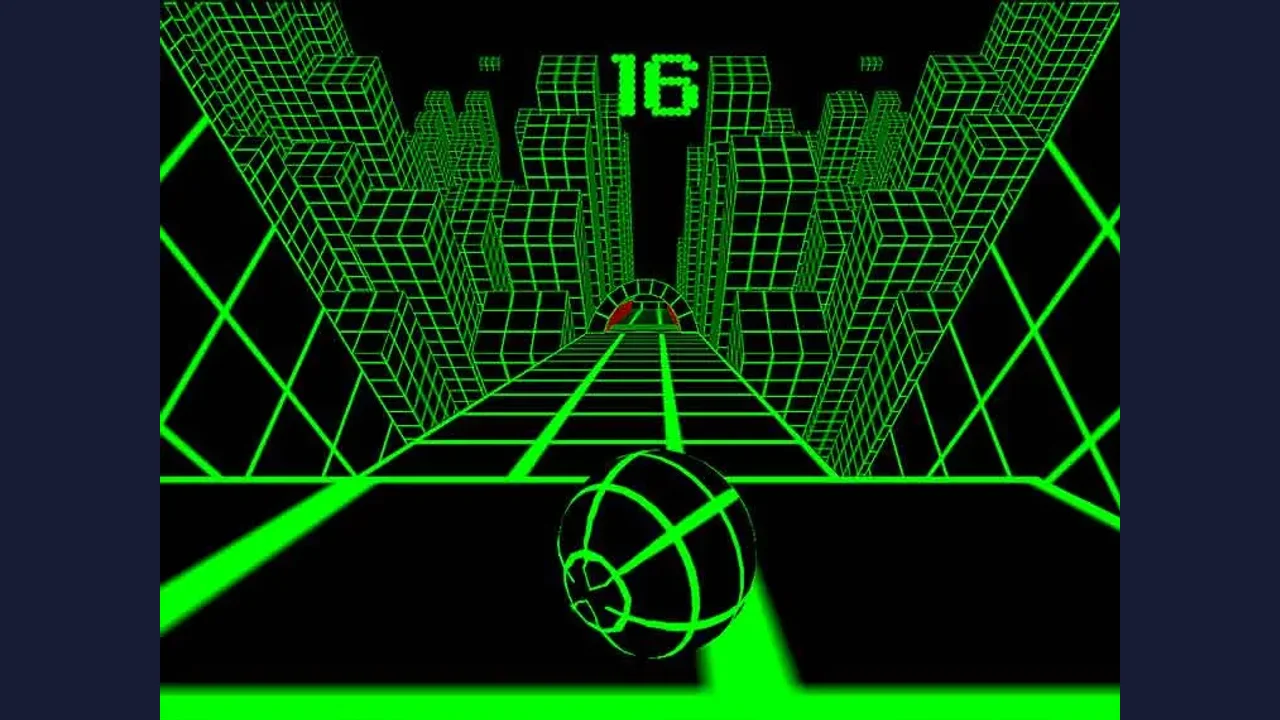

X Trench Run
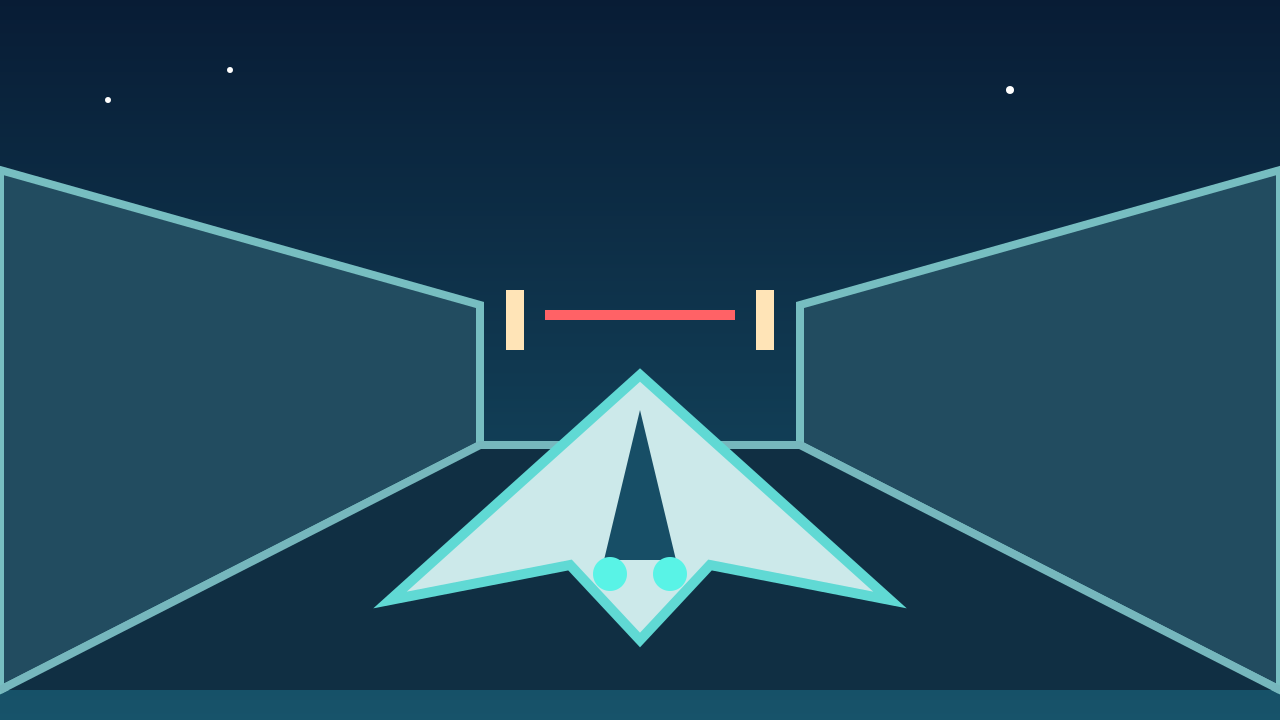
About X Trench Run
Pilot a space fighter through a narrow trench, find gaps in barriers and disable laser gates as the run gets faster.
Your ship moves forward through the trench. Steer toward openings in solid barriers and keep an eye on the next obstacle while firing at defenses.
About the game
X Trench Run is a space-flight arcade game by MarketJS. The button above opens the Math Playground version; OttersPlay does not host the game.
How to play
Open Math Playground, choose Play Game, then use the game’s play arrow. If the controls panel appears, choose its arrow to begin. Click inside the player before using a keyboard.
| W / A / S / D or arrow keys | Steer the ship |
|---|---|
| Space or left mouse button | Fire forward |
| Touchscreen | Tap the play arrows to start. Steering and firing gestures were not confirmed in our simulated-phone test. |
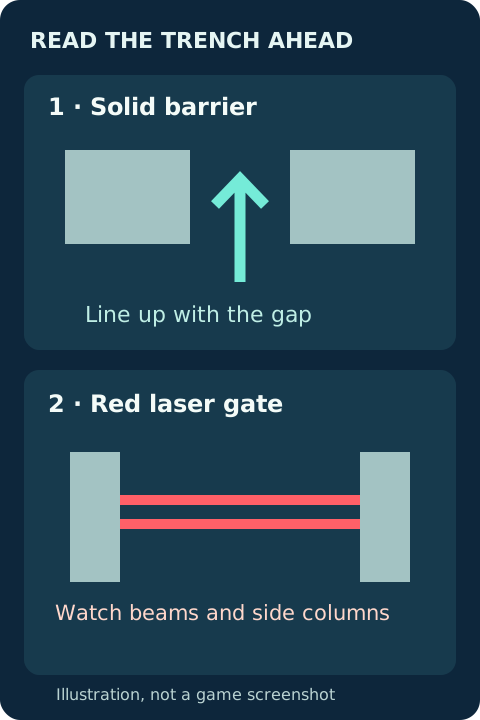
Read the trench ahead
Look for the gap in each solid barrier and line up before the ship reaches it. Red laser gates are another hazard; the game and publisher describe disabling them. Look for the power columns at the sides and fire while keeping a safe route through the trench.
Playing on a phone
MarketJS describes mobile-friendly controls. On Math Playground, simulated portrait and landscape touch taps opened the player and began a flight, but our short runs ended in collisions before we could verify which gestures steer or fire. Try the on-screen player; if it does not respond as expected, use a desktop keyboard and mouse. Landscape gives the game more room.
More help with X Trench Run
For a longer walkthrough of starting, keyboard controls and restarting, visit our companion site.
Questions about X Trench Run
Where can I play X Trench Run?
Use the play button to open the Math Playground version in a new tab. The game runs on that site, not inside OttersPlay.
What are the X Trench Run keyboard controls?
Use WASD or the arrow keys to steer and Space or the left mouse button to fire. Click inside the player if the keys do not respond.
Can I start X Trench Run on a phone?
We started a flight with simulated touch taps in portrait and landscape. We did not confirm touch steering or firing; use a keyboard and mouse if the host player does not respond as expected.
Sources: mathplayground.com, marketjs.com. Last checked .