Keepmarch
Keepmarch
Desktop prototype. Try current Chrome or Edge; allow time for first load. Runs on html-classic.itch.zone.

Loading Keepmarch...
Connecting to html-classic.itch.zone
About Keepmarch
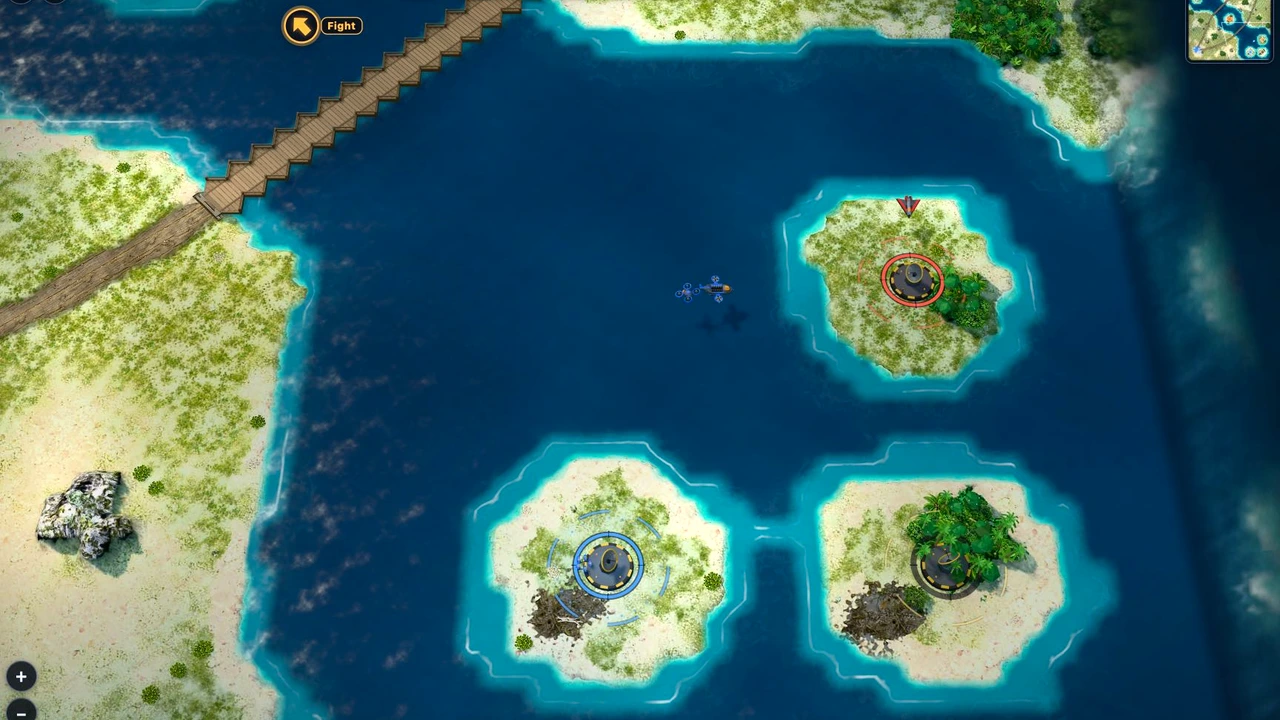
Take command of a land battleship, drive through a destructible battlefield and aim main guns, rockets and mortars.
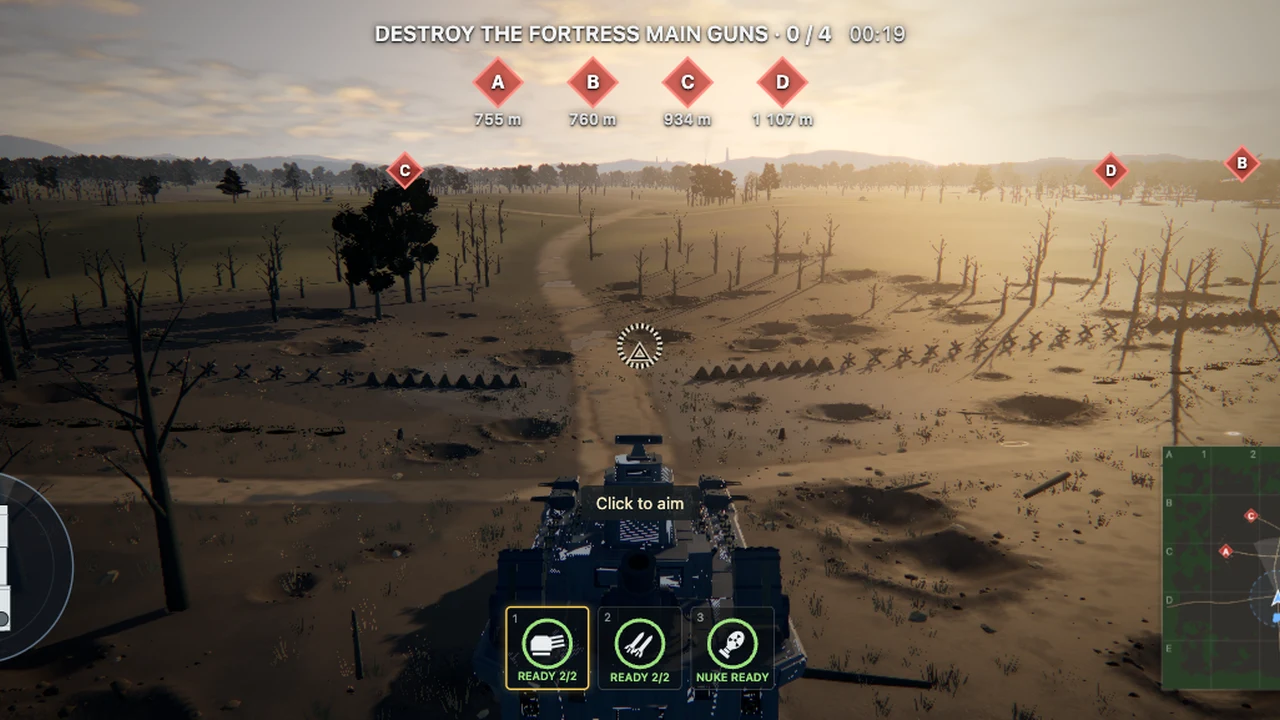
Keepmarch puts a land battleship under your control in a destructible battlefield. The vehicle’s movement and its weapons are separate tasks: set a useful throttle, steer into position and aim with the mouse before firing. The checked demo asks you to destroy four fortress main guns, with A–D markers showing the targets. Learn how the vehicle’s momentum affects the firing position before closing the distance. This is a playable prototype, so menus and available content may change.
W and S adjust the throttle, A and D steer and Space applies the brake. Capture the mouse with a click to aim, use the left button to fire and hold the right button to look around. The wheel zooms toward the gunsight; Shift switches the sight on or off. Braking before a deliberate shot gives you a clearer reference than trying to correct the hull and aim at the same time.
The checked control guide lists 1 and 2 for main guns and rockets, plus 3 for mortar view. In mortar view, clicking fires and the wheel changes height; press 3 or the right button to return. F changes fire mode and H temporarily exposes help and the cursor. Use that help when a weapon behaves differently from the last one. A current Chrome or Edge desktop browser is a sensible starting point, and the initial rendering preparation can take time.
About the game
Keepmarch is published by Greysuki on itch.io. The linked build identifies itself as a prototype/demo. OttersPlay uses the playable HTML build directly and describes its vehicle-combat controls without treating prototype tools or planned content as a finished campaign.
Made by Greysuki.
How to play
Desktop keyboard and mouse. Try a current Chrome or Edge with hardware acceleration. The large prototype build can spend time preparing rendering; other devices have not been certified.
| W / S; A / D; Space | Throttle; steer; brake |
|---|---|
| Click / mouse / left button | Capture cursor / aim / fire |
| Right button / wheel / Shift | Look around / zoom / toggle gunsight |
| 1 / 2 / F | Main guns / rockets / fire mode |
| 3; wheel in mortar view | Mortar view; adjust height |
| H / Esc | Hold help and cursor / pause |
Quick facts
- Playable land-battleship prototype
- Separate hull, aim and gunsight controls
- Main guns, rockets and mortar view in the checked help
Questions about Keepmarch
Is Keepmarch a finished game?
The current HTML build calls itself a prototype/demo. Expect changing menus, performance and content. This guide describes the checked controls rather than promising a completed campaign.
Why does the ship keep moving?
W and S set the throttle rather than acting as a simple walk control. Use Space to brake while learning how the hull accelerates and turns.
How do I use the mortar?
Press 3 for mortar view, use the wheel to change height and click to fire. Press 3 again or the right mouse button to return. Hold H to check the current help.
Which browser should I try first?
Use current Chrome or Edge on a desktop with a capable GPU. Give the rendering-preparation screen time. A phone interface and support for every browser were not verified.
Tips for Keepmarch
- Learn throttle and braking before swapping weapons.
- Hold H when you need the cursor or a reminder of the current controls.
Sources: html-classic.itch.zone, greysuki.itch.io, html-classic.itch.zone. Last checked .