Threejs-Punk Drive
Threejs-Punk Drive
WebGPU and a capable GPU required. Mobile needs recent flagship hardware. Runs on threejspunk.com.

Loading Threejs-Punk Drive...
Connecting to threejspunk.com
About Threejs-Punk Drive
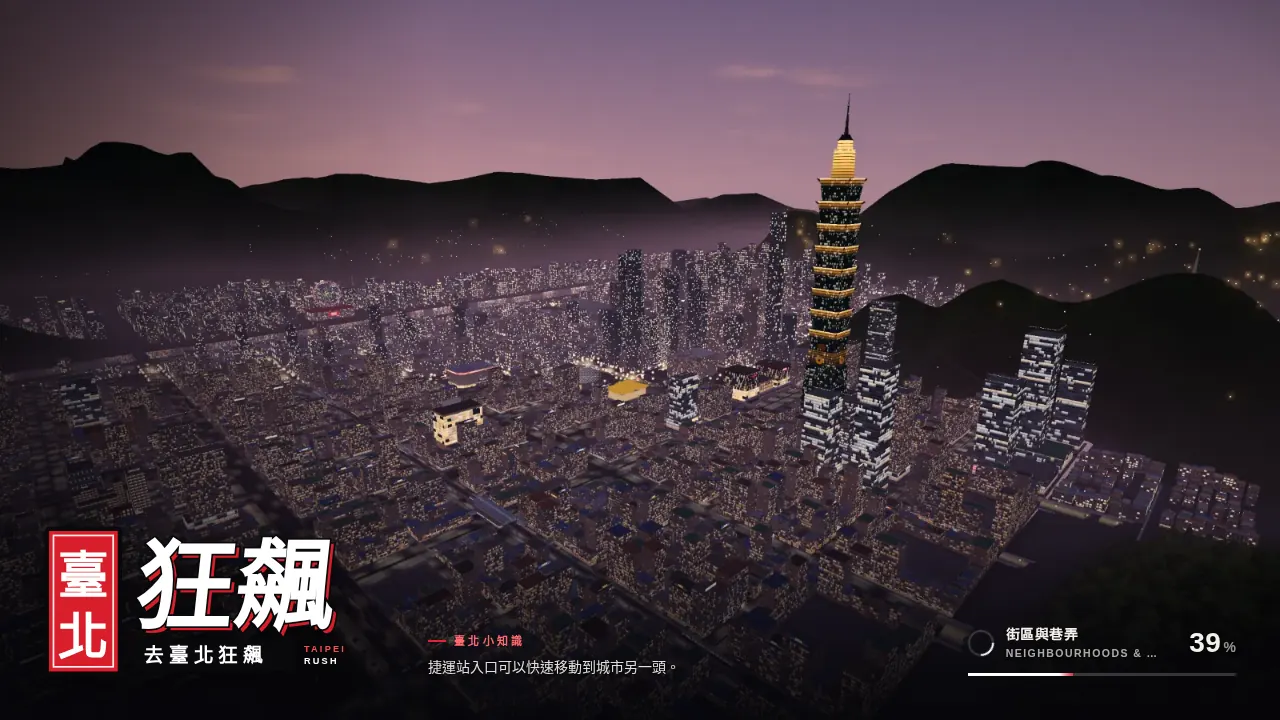
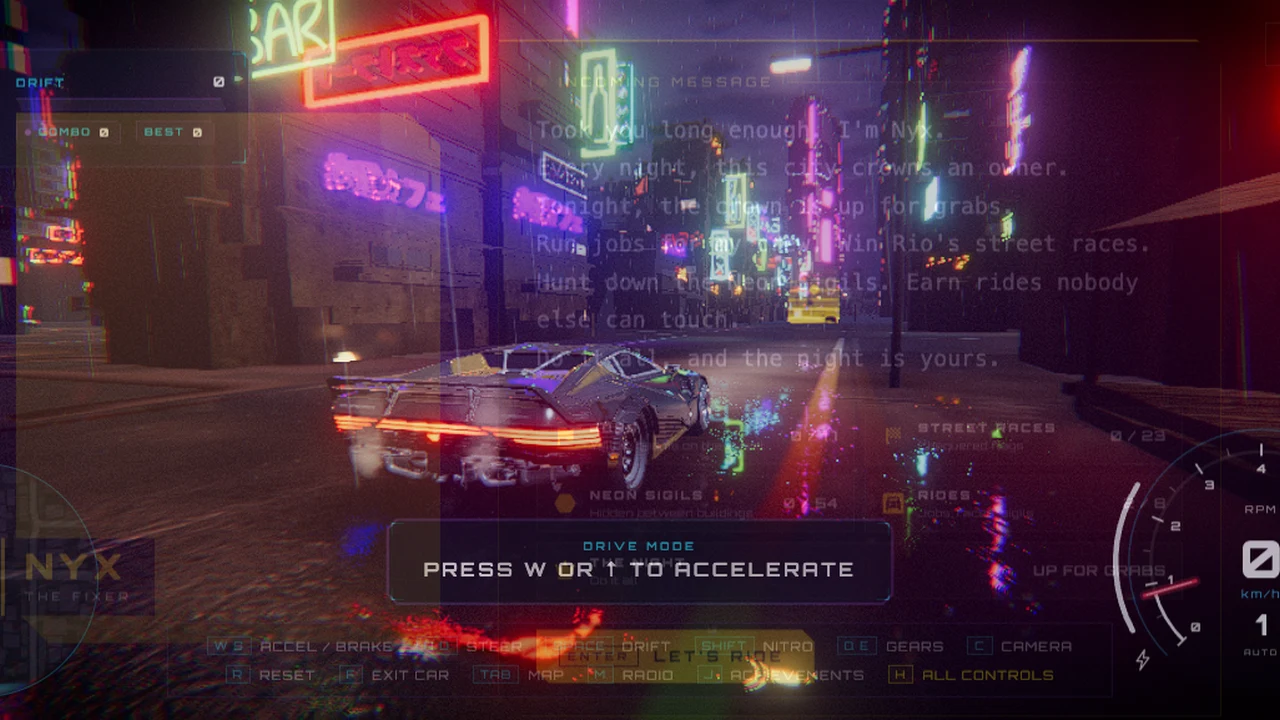
Explore a neon city by car, practice handbrake drifts and use nitro in a demanding WebGPU driving sandbox.
Threejs-Punk Drive is a neon-city driving sandbox built around a demanding WebGPU renderer. Begin by getting comfortable with steering and braking, then explore the streets and the activities offered by the current game. Rain, reflections, traffic and a moving camera make it easy to overshoot a turn; a controlled lap around nearby blocks is more useful than an immediate full-speed sprint.
WASD or the arrows drive. Space applies the handbrake and Shift activates nitro. Use a brief handbrake input to start a slide, then straighten the car before accelerating away. Nitro consumes its available supply, so save it for a clear stretch. R resets the car, C changes the camera and Q/E shift when using manual gears. G toggles the gearbox mode; F leaves the vehicle for the on-foot view.
Touch controls are implemented for recent, powerful phones, but this is not a lightweight game for any mobile browser. WebGPU must be available to the site and the GPU needs enough memory and speed for the scene. The publisher recommends recent flagship hardware and landscape play on mobile. If initialization fails, try the game in a new tab, check hardware acceleration and lower the available graphics settings rather than repeatedly reloading the iframe.
About the game
Threejs-Punk Drive credits Anderson Mancini and Sunag. It is an independent Three.js/WebGPU driving project with its own published vehicle roster and city activities. Its visual inspiration does not make it an official Cyberpunk release, and OttersPlay does not infer AI authorship from the Three.js name.
Made by Anderson Mancini & Sunag.
How to play
WebGPU and a capable GPU are required. Use an up-to-date browser with hardware acceleration. Touch controls target recent flagship phones in landscape; older phones and unsupported browser/GPU combinations may fail.
| WASD / arrows | Throttle, brake and steer |
|---|---|
| Space / Shift | Handbrake / nitro |
| R / C | Reset car / change camera |
| Q / E / G | Shift down / up / toggle gearbox |
| F; WASD / Shift / C on foot | Exit vehicle; walk / sprint / crouch |
| On-screen driving controls | Touch input on supported high-end devices |
Quick facts
- WebGPU neon-city driving sandbox
- Handbrake, nitro, gearbox and camera controls
- Touch interface with significant hardware requirements
Questions about Threejs-Punk Drive
Why will Threejs-Punk Drive not start?
It requires WebGPU and a capable GPU, not just general WebGL support. Update the browser, enable hardware acceleration and try a new tab. A browser reporting WebGPU does not guarantee the device can run the full scene smoothly.
Can I play it on a phone?
There are touch driving controls, but the publisher targets recent flagship phones with WebGPU and recommends landscape orientation. This listing does not promise support on older phones or every mobile browser.
How do I drift and use nitro?
Space is the handbrake and Shift is nitro in the checked keyboard mapping. Start a slide with a short handbrake input, point the car toward the exit and save nitro for an unobstructed road.
Can I change cameras or get out of the car?
C changes the driving camera and F leaves the vehicle. On foot, WASD moves, Shift sprints and C crouches. R can reset the car if it is stuck.
Tips for Threejs-Punk Drive
- Use a nearby block to learn steering before selecting a longer activity.
- Check WebGPU and graphics settings before blaming an embedded player for slow rendering.
Sources: threejspunk.com, threejspunk.com. Last checked .