Tidewater
Tidewater
Desktop WebGPU required. First shader compilation can take a minute or more. Runs on dgreenheck.github.io.

Loading Tidewater...
Connecting to dgreenheck.github.io
About Tidewater
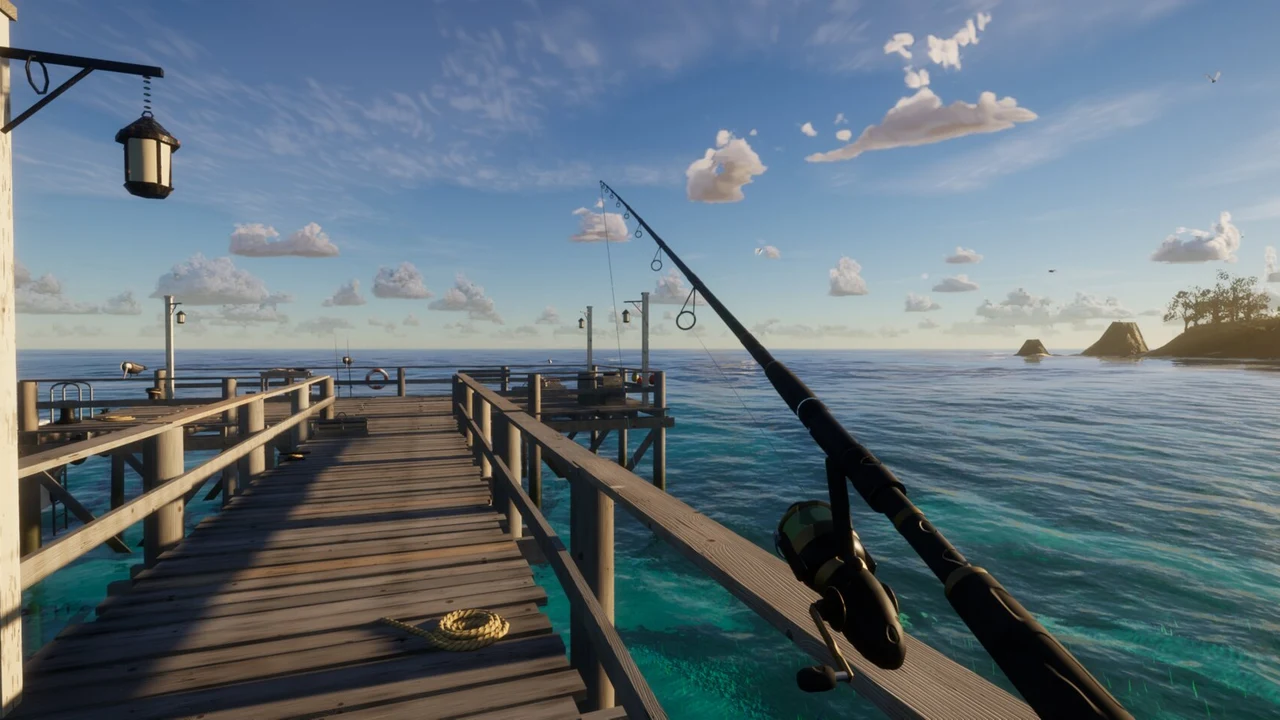
Fish from a tropical pier or boat, sell catches to Joe and buy tackle and boat upgrades from Marta.
Start Tidewater at the coast and learn to fish before taking the boat far offshore. Press R to bring out the rod, hold the left mouse button to wind up and release it to cast. Watch the bobber rather than continually reeling. When it is pulled under, strike to hook a fish and begin the tension fight.
Hold to reel while keeping the line in the green tension band. Ease off when the fish runs instead of trying to overpower every pull. The cooler and fish log record what you catch. Different water and times of day can change the fish available, so the pier, shallows, reef and deeper sea offer reasons to move after learning the first cast.
Sell catches to Joe near the pier and use Marta’s chandlery by the boathouse for stronger tackle, a larger hold and boat supplies. E handles these interactions as well as boarding and taking the helm. A boat burns fuel, making preparation part of a useful trip. The first visit can spend a minute or more compiling shaders. This is a GPU-heavy WebGPU game with keyboard and mouse controls; use a full game tab when reliable browser-local progress is important.
How Tidewater was made with AI
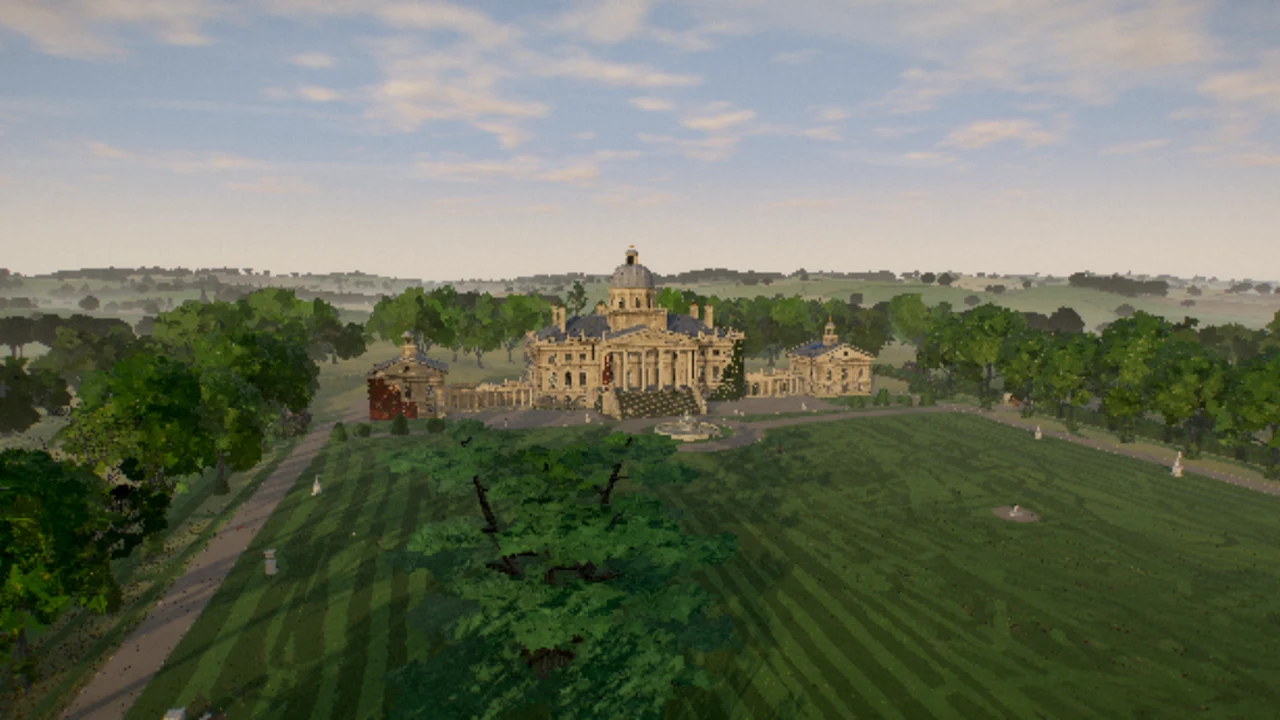
Dan Greenheck’s Tidewater is a coastal browser fishing game built with Opus 5.5. The repository documents its WebGPU rendering and third-party asset credits. The game has grown beyond a visual ocean demo into a fishing loop with vendors, equipment and boat travel.
Made by Dan Greenheck.
How to play
A capable GPU and a recent browser with WebGPU. The first shader compilation may take a minute or more. Desktop keyboard/mouse recommended; phone controls were not verified.
| WASD / mouse; Shift | Move / look; sprint or boat boost |
|---|---|
| R / hold and release left mouse | Rod / wind up and cast; strike and reel |
| Right mouse; I / Tab | Retrieve empty line; cooler and fish log |
| E / V | Interact, board or helm / boat camera |
| Space / C | Jump or swim up / crouch or dive |
| H / F1 / Esc | Settings / complete controls / release cursor |
Quick facts
- Fishing with a line-tension fight and fish log
- Catch sales, tackle upgrades and a fueled boat
- WebGPU rendering and browser-local progress
Questions about Tidewater
How do I catch a fish in Tidewater?
Take out the rod with R, hold and release left click to cast, then wait for the bobber to go under before striking. Reel while managing the tension; ease off when the fish pulls hard.
Where do I sell fish and upgrade equipment?
Joe buys catches at the fish stand near the pier. Marta sells tackle and boat supplies at the chandlery by the boathouse. Use E when close enough to interact.
Why is Tidewater taking so long to start?
It requires WebGPU and compiles many shaders on the first visit. The author warns that this can take a minute or more. An unsupported GPU or browser will need a compatible device rather than more waiting.
Does Tidewater save progress?
The project supports browser-local progress. Embedded storage may differ from a normal tab and clearing site data can remove it. Prefer the full game site when you want to return to the same equipment and records.
Tips for Tidewater
- Practice one pier catch before buying boat supplies.
- Release the reel when tension climbs; a faster reel is not a substitute for managing the line.
Sources: dgreenheck.github.io, github.com, x.com. Last checked .