Arkenfall
About Arkenfall
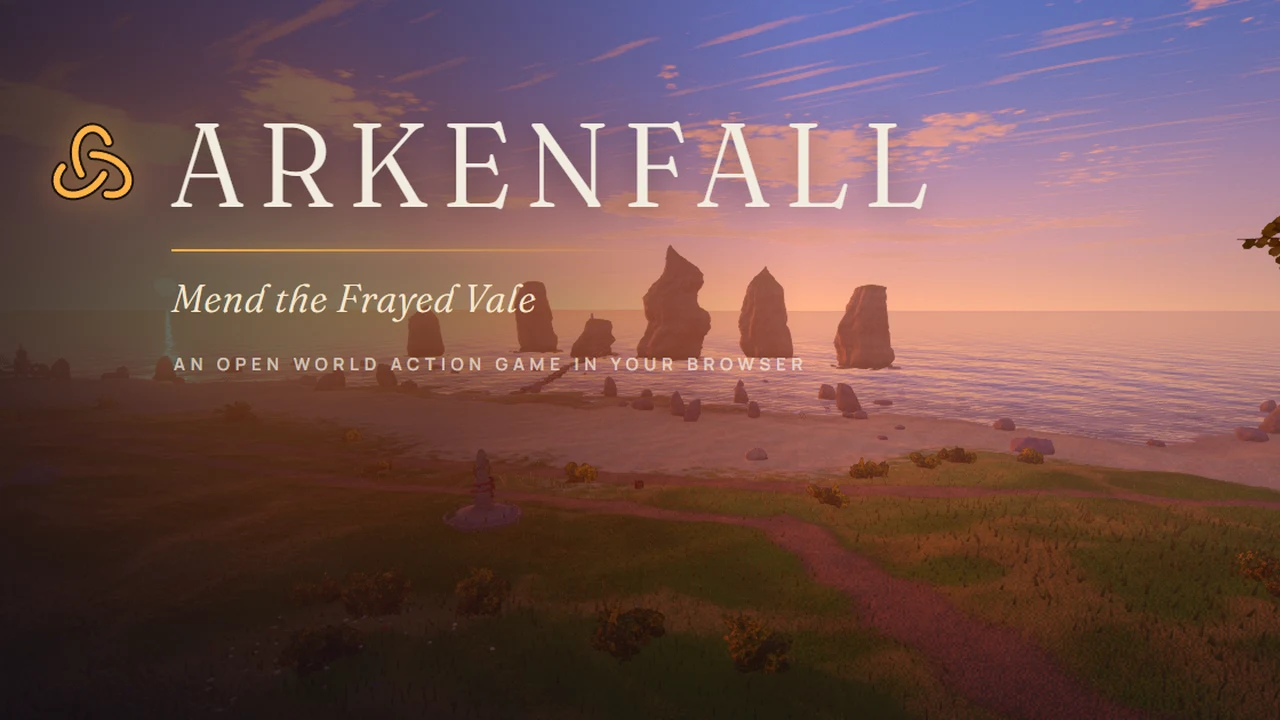
Explore the Frayed Vale, learn dodges and parries and combine melee, Lash and Burst against woven enemies.
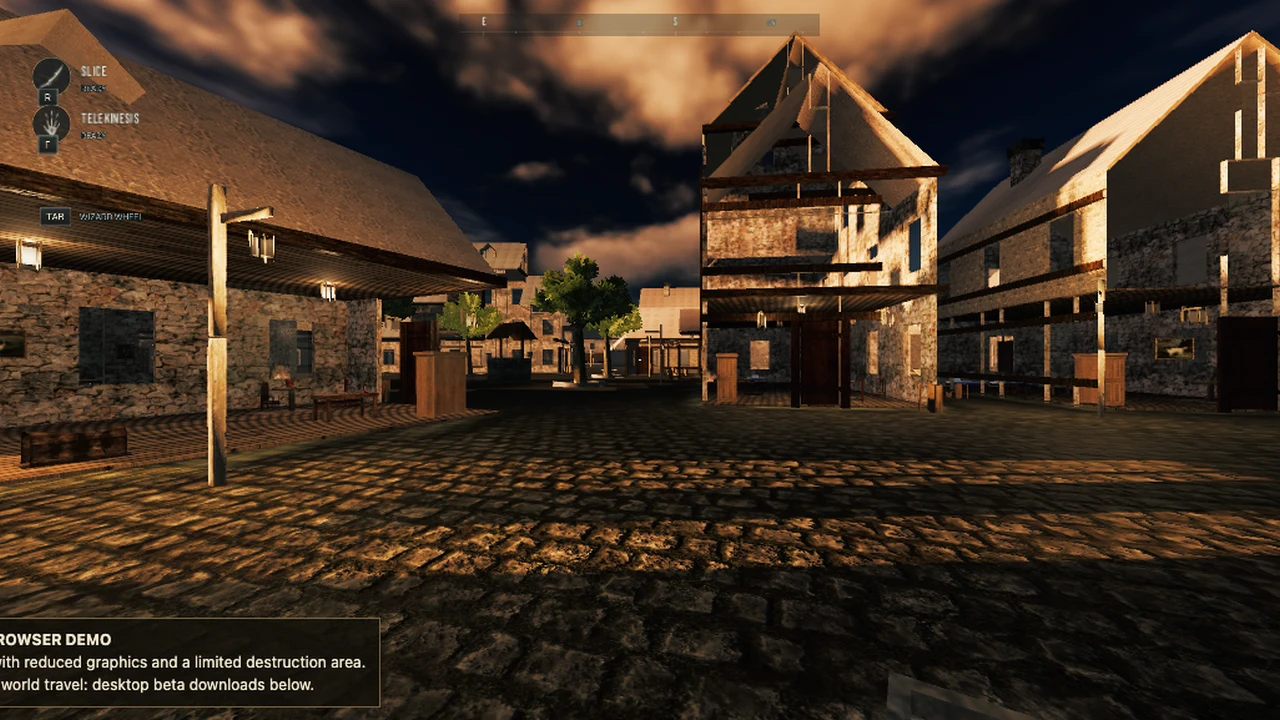
Arkenfall is an action RPG set in a woven, unraveling fantasy world. Explore the Frayed Vale, follow the current quest guidance and look for waystones as you learn the route. Combat rewards positioning and reading an enemy’s attacks rather than holding a single button. Begin by practicing movement, one normal strike and a dodge before spending time on the larger ability set.
Left click attacks, right click performs a heavy attack, Q dodges and F parries. The game’s tips describe heavy attacks as useful against shields and a well-timed dodge as a way to create an opening. Tab or the middle mouse button locks a target. Use R for Lash and C for Burst when available, while paying attention to the related gauge and the enemy you are facing.
E interacts with the world; M opens the map and I or B opens the inventory. Waystones provide orientation and travel points, so note their positions before moving deeper into an unfamiliar area. The UI can switch between keyboard, controller and touch prompts. A phone may have the necessary controls yet struggle with the 3D scene, so start with a short session and adjust graphics before committing to longer exploration. Escape or P opens the pause flow and gives you a way back to settings.
How Arkenfall was made with AI
Leon Lin presents Arkenfall as an open-world browser game built with Claude Opus 5.5. The creator distinguishes the procedural game content from its generated trailer soundtrack and cover image. Its settings provide keyboard, gamepad and touch input support; these are implementation claims, not a physical-device certification.
Made by Leon Lin.
How to play
A hardware-accelerated modern 3D browser. Keyboard/mouse, gamepad and touch interfaces are implemented. Desktop is the safer performance baseline; physical-phone testing is still needed.
| WASD / mouse; Shift / Space | Move and look; sprint / jump |
|---|---|
| Left / right mouse | Normal / heavy attack |
| Q / F; Tab or middle mouse | Dodge / parry; target lock |
| R / C | Lash / Burst |
| E / M / I or B | Interact / map / inventory |
| Esc / P; touch or gamepad | Pause; alternative input interfaces |
Quick facts
- Procedural open-world action RPG
- Melee, heavy attacks, dodge, parry, Lash and Burst
- Map, inventory and device-specific prompts
Questions about Arkenfall
What kind of game is Arkenfall?
It is a solo browser action RPG with open-world exploration, enemies and timing-based combat. Follow the in-game quest guidance and map rather than expecting a short one-room combat demo.
How do I dodge, parry and lock a target?
The checked keyboard mapping uses Q to dodge, F to parry and Tab or middle mouse to lock a target. Heavy attacks use right click. Check settings if you have remapped controls.
Does Arkenfall support mobile or a controller?
Its code and UI include touch and gamepad support. Actual responsiveness depends on hardware and browser, and a complete run on a physical phone has not been verified for this listing.
How do I check my route and equipment?
Press M for the map and I or B for inventory. E interacts with objects and waystones. Escape or P pauses so you can inspect the settings and current controls.
Tips for Arkenfall
- Practice parrying a readable attack before fighting a group.
- Locate a waystone and inspect the map before exploring a new route.
Sources: arkenfall.site, x.com, arkenfall.site, arkenfall.site. Last checked .