Skate 3
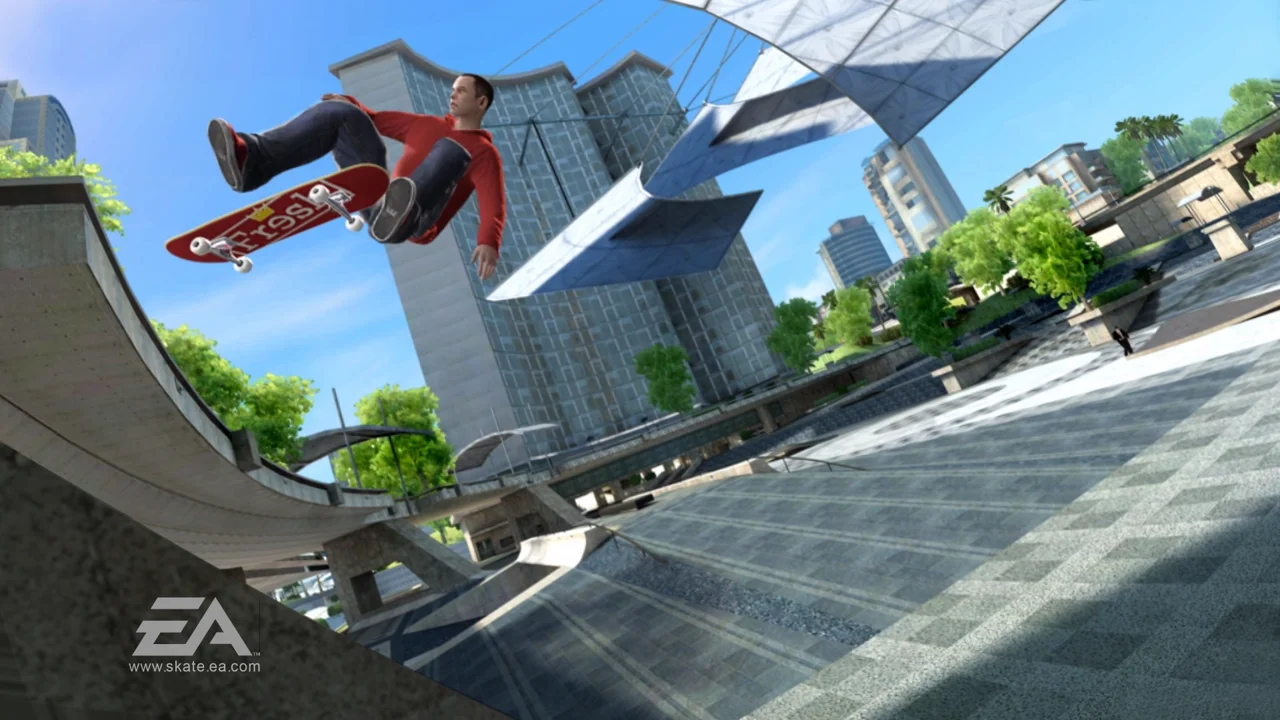
Skate 3
Play on skate.aaddpp.lol ↗Opens on skate.aaddpp.lol in a new tab. Check the setup notes below before starting.
About Skate 3
Port Carverton in a browser tab. An independent Rust engine renders Skate 3 from game data you convert yourself.
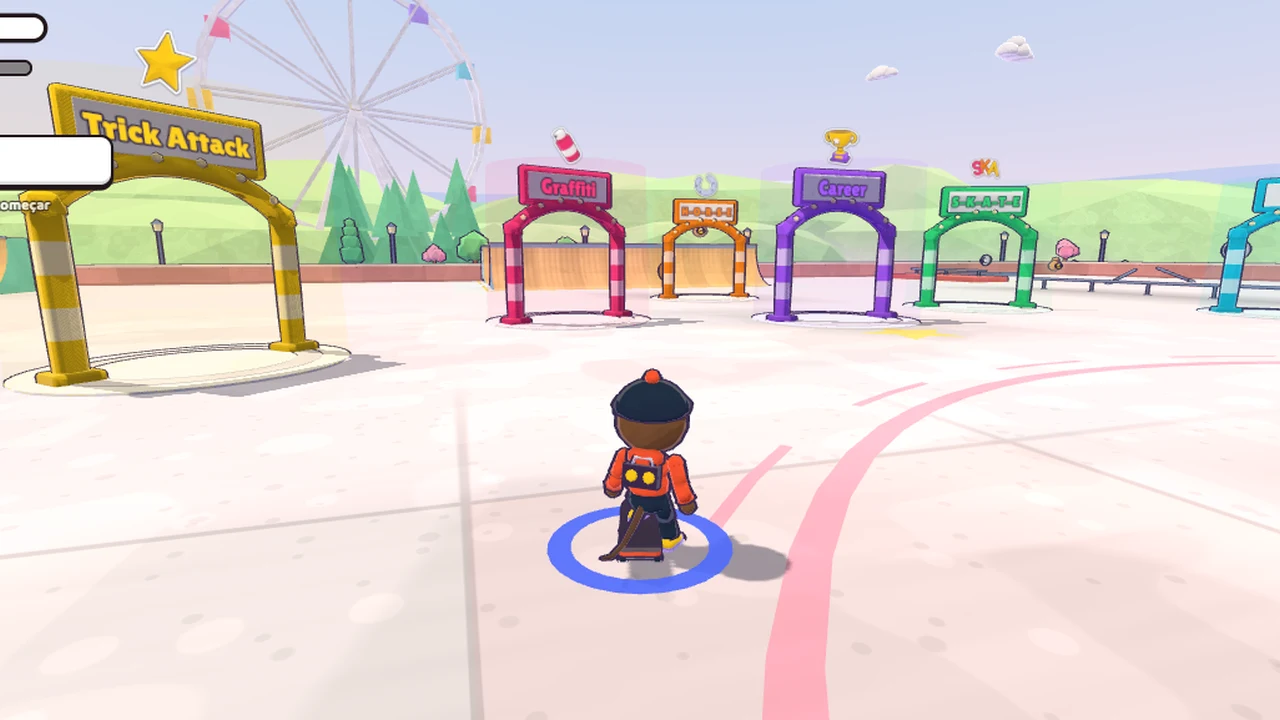
You free-skate Port Carverton with Skate 3's own front end and Flick It controls: tricks, grinds and bails, at three difficulties (Easy, Normal and Hardcore). The original worlds are there, including University, Downtown, Industrial and the Maloof Money Cup park.
Multiplayer is session based rather than matchmaking. In game, press Start, open Online, then host a session, find one, or join with a code the host gives you. A skate 2 browser port is planned.
About the game
Not an emulator and not a mod: an independent engine written in Rust, compiled to WebAssembly and run on WebGPU, which renders Skate 3 from game data you convert yourself. The maker is an 18-year-old cyber security student who built it over a few days in October 2026. The site carries a boot notice saying it is 'Not made by EA' and that no game content is hosted on the server.
Made by Asher (@aaddpp_vmp).
How to get Skate 3 running
- You need your own legally owned copy of Skate 3, converted to a format the engine reads. The site hosts none of it.
- In the game, open ONLINE > Game Server and point it at your converted data, either on a server or in a zip.
How to play
A WebGPU browser with hardware acceleration on, over https. A gamepad is recommended; keyboard works but arrow keys stand in for the trick sticks. Phones get a Lite mode with the full map set.
| WASD | Steer and push (left stick) |
|---|---|
| Arrow keys | Flick It tricks (right stick) |
| Space / E / Q / R | A / B / X / Y |
| Shift / C | Grabs |
| Z / X | Bumpers |
| Esc | Pause |
| Mouse | Trackpad mode from the pause menu |
Quick facts
- Reported at 300+ FPS at full resolution, though that figure comes from the developer rather than an independent test
- First load can take several minutes: the engine is tens of megabytes and the map takes longer
Questions about Skate 3
Do I need to own Skate 3 to play this port?
Yes. You need your own legally owned copy of Skate 3, converted to a format the engine reads; the site hosts none of it. The reward is the real game: Skate 3's own front end, the Flick It controls, and the original worlds (University, Downtown, Industrial and the Maloof Money Cup park).
How does multiplayer work?
Multiplayer is session based rather than matchmaking: in game, press Start, open Online, then host a session, find one, or join with a code the host gives you. The ONLINE > Game Server menu points at your converted data, either on a server or in a zip.
What are the system requirements?
A WebGPU browser with hardware acceleration on, over https. A gamepad is recommended; keyboard works but the arrow keys stand in for the trick sticks. Phones get a Lite mode with the full map set, and the first load can take several minutes.
Is EA involved?
No. This is an unsigned third-party engine by Asher, EA owns Skate 3 and has not endorsed it. A Skate 2 browser port is planned.
Tips for Skate 3
- Use a gamepad: Flick It tricks are analogue, and arrow keys on a keyboard flatten the finesse.
- The pause menu's trackpad mode is worth trying if you are stuck on keyboard only.
An independent browser port of a classic game, not an AI original. OttersPlay does not host game files and is not affiliated with the original publisher. Some projects require files from your own copy.
Before you play: This is an unsigned third-party build that runs a large WebAssembly engine in your browser, and the page carries a crypto donation link. EA owns Skate 3 and has not endorsed it. Don’t enter any details you wouldn’t enter on a hobby site.
Sources: skate.aaddpp.lol, operationsports.com. Last checked .