GTA 5
About GTA 5
A working WebAssembly build of the real GTA V engine with Story and Sandbox modes, streaming game data in your browser.
Press Play here to load the fiveplay.lol browser mirror inside this page. The initial download pulls engine code and game data (roughly 1.2 GB), which may take a few minutes on first launch. A desktop computer with an up-to-date Chrome or Edge browser, hardware acceleration, a keyboard and a mouse is recommended.
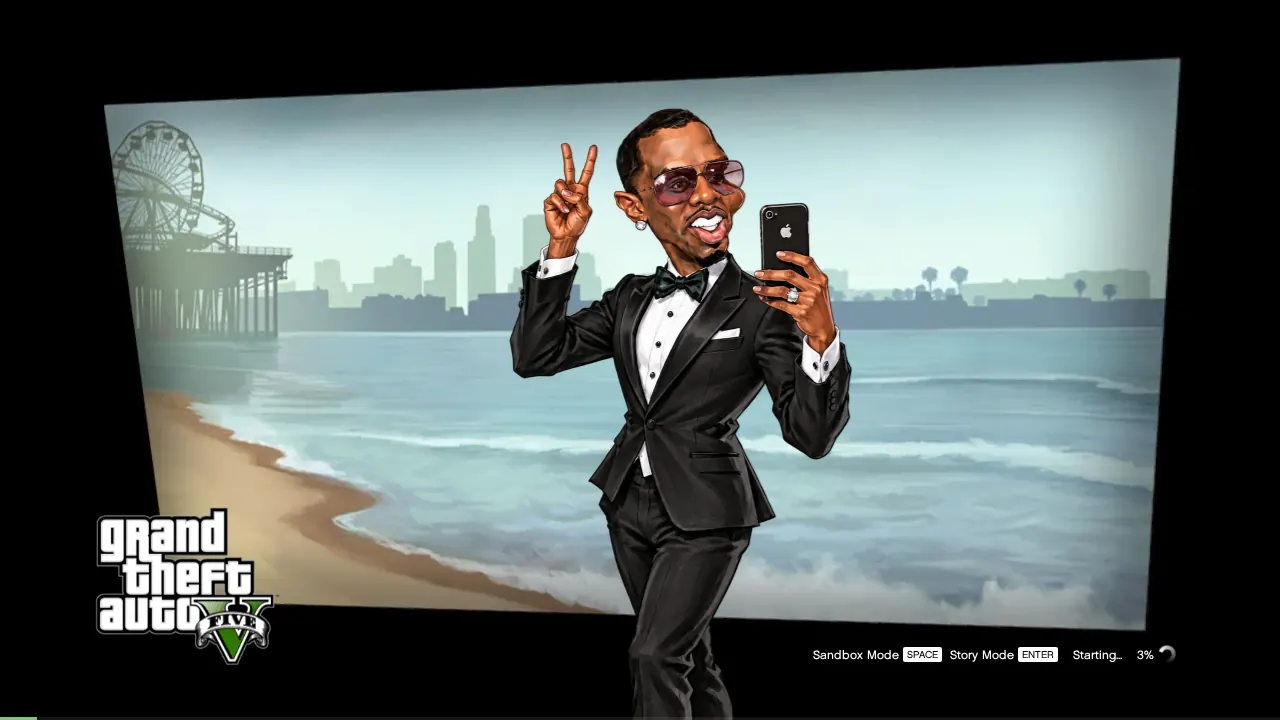
At the title screen, choose Story Mode to begin the prologue or continue your newest save, or Sandbox Mode to drop into free-roam with all weapons across Los Santos or an experimental test level (switch maps with 5 or 6).
Click into the frame to lock mouse aim and keyboard input. Use Full screen for optimal vision and Esc to exit. If loading pauses or reports low memory, click Play in new tab to run with full system memory.
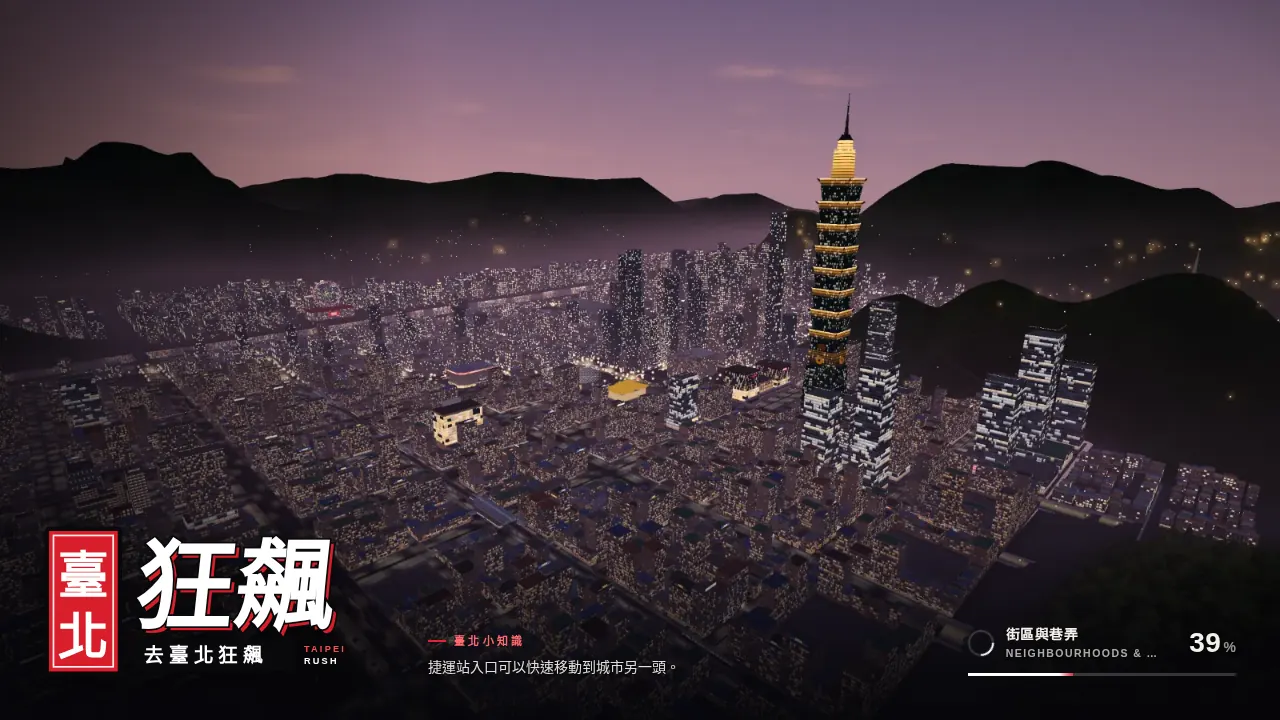
This build is an independent fan mirror and depends on external host availability. For instant playable alternatives, check the open-world driving games below including Taipei Rush and San Francisco: The Game.
About the game
A mirror of the anonymous browser GTA V project that appeared at playgta5.com on 6 October 2026 and vanished within hours. It runs the actual GTA V PC engine compiled to WebAssembly in a Web Worker, with its own port of the game's loading screen, and streams the game data directly rather than asking you for files. The fiveplay.lol mirror is separate from the original publisher, and OttersPlay does not host its game files.
How to play
Desktop Chrome or Edge with hardware acceleration is recommended. Requires cross-origin isolation and roughly 1.2 GB of streamed data on first launch. If embedded loading stalls, use Play in new tab.
| Enter | Story Mode from the title screen |
|---|---|
| Space | Sandbox Mode from the title screen |
| 5 / 6 | Choose Los Santos or test map in Sandbox |
| Click the game | Lock mouse aim & controls |
| Esc | Release pointer or exit fullscreen |
| = | Toggle WebAssembly FPS counter |
Quick facts
- Real PC engine compiled to WebAssembly in a Web Worker
- Streams game assets dynamically rather than requiring file downloads
- Story Mode prologue and Sandbox free-roam supported
- OttersPlay does not host files; gameplay loads from external mirror
Questions about GTA 5
Can I play the GTA 5 browser mirror inside OttersPlay?
Yes. Press Play here to load the external mirror in the player on this page. The mirror runs via WebAssembly with keyboard and mouse controls.
Why does the first load take so long?
The browser runtime downloads engine code and game assets after startup (roughly 1.2 GB). A start screen can appear before those downloads finish. Keep the tab open, use a desktop browser and allow sufficient memory.
What if Play here does not start the game?
If loading gets stuck around 6% or warns of low memory, click 'Play in new tab' to launch the mirror in a dedicated window with full system memory and thread isolation.
What open-world alternatives can I play right now?
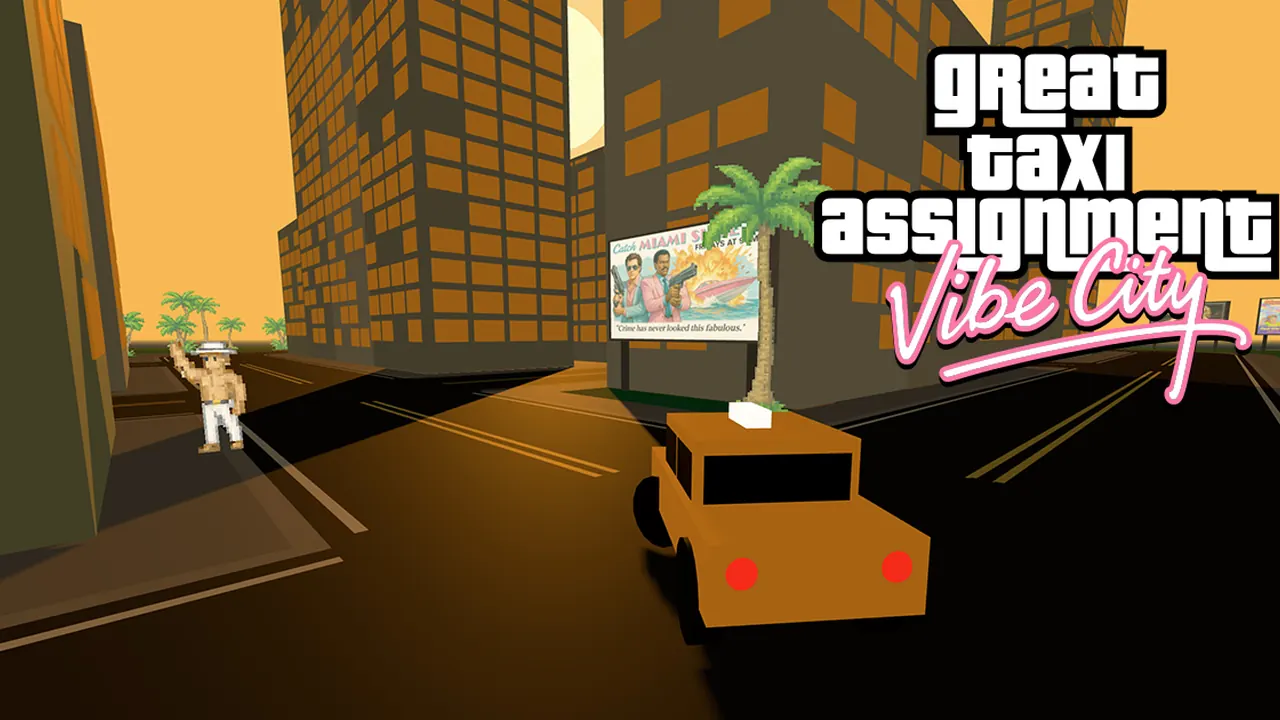
If the mirror is unreachable, play working browser driving games like Taipei Rush, GTA: Vice City, San Francisco: The Game, and The Great Taxi Assignment directly on OttersPlay.
Tips for GTA 5
- If loading stalls around 6% or reports out-of-memory, click 'Play in new tab' to launch with dedicated system memory and thread isolation.
- Press = during gameplay to open the live FPS counter and inspect WebAssembly rendering performance.
- In Sandbox Mode, press 5 or 6 on the mode select screen to switch between the Los Santos city map and the test level.
An unofficial GTA V browser mirror running via WebAssembly. OttersPlay does not host game files and is not affiliated with Rockstar Games or Take-Two.
Sources: tweaktown.com, windowsreport.com. Last checked .