Vector Tango

Loading Vector Tango...
Connecting to vector-tango.com
About Vector Tango
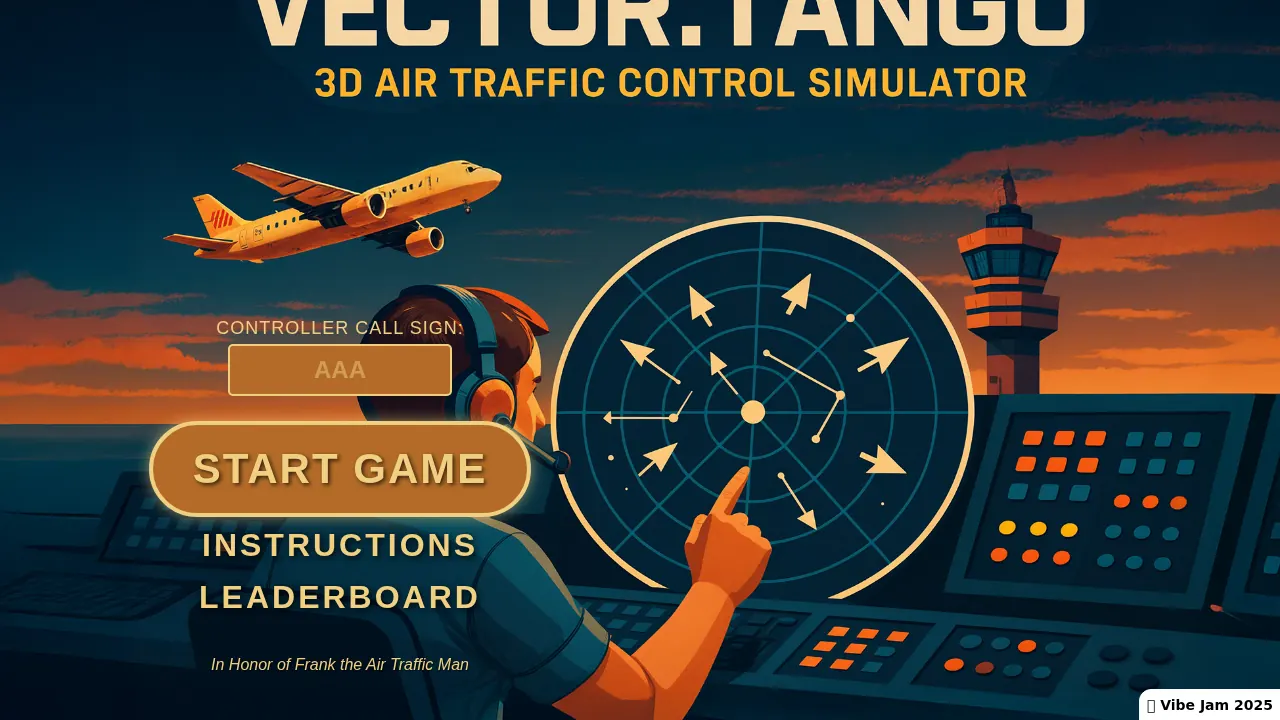
A 3D air traffic control sim. Guide planes through crowded airspace without a collision.
It won Vibe Jam 2025, 3rd place.
Air traffic control in 3D. Click and drag on a plane to draw its flight path, adjust its altitude, and guide it to the runway of matching color. Every landing scores a point, and any collision ends the game.
Enter a controller call sign and submit your score to the global leaderboard.
How Vector Tango was made with AI
Built 'entirely with AI' for the 2025 Vibe Coding Game Jam, where it placed 3rd. The browser version is now called Vector Tango Classic; a full version is headed to Meta Quest.
Made by Scobel (@scobelverse).
How to play
Press Play here to load Vector Tango directly inside this page, or open it in a new tab for dedicated window focus. It supports touch controls on phones and tablets.
| Click + drag plane | Draw path |
|---|---|
| A / Z or wheel | Altitude |
| Touch slider | Altitude on phones |
Quick facts
- Vibe Jam 2025: 3rd place
- Installable as a web app
Questions about Vector Tango
How do you play Vector Tango?
Air traffic control in 3D: click and drag on a plane to draw its flight path, adjust its altitude with A/Z or the mouse wheel, and guide it to the runway of matching color. Every landing scores a point, and any collision ends the game.
Is there a leaderboard?
Yes: enter a controller call sign and submit your score to the global leaderboard.
Did it win anything?
It placed 3rd at Vibe Jam 2025 and is installable as a web app.
Tips for Vector Tango
- Altitude discipline matters more than path drawing: most collisions are vertical.
- Early on, keep paths short and parallel rather than clever.
Sources: vector-tango.com, levels.io. Last checked .